Workflows
Work Through Your Tasks
Some follow-up cannot be automated, and should not be: a phone call to a first-time guest, a visit, a conversation. A workflow can create a task for a member of staff instead of sending something.
-
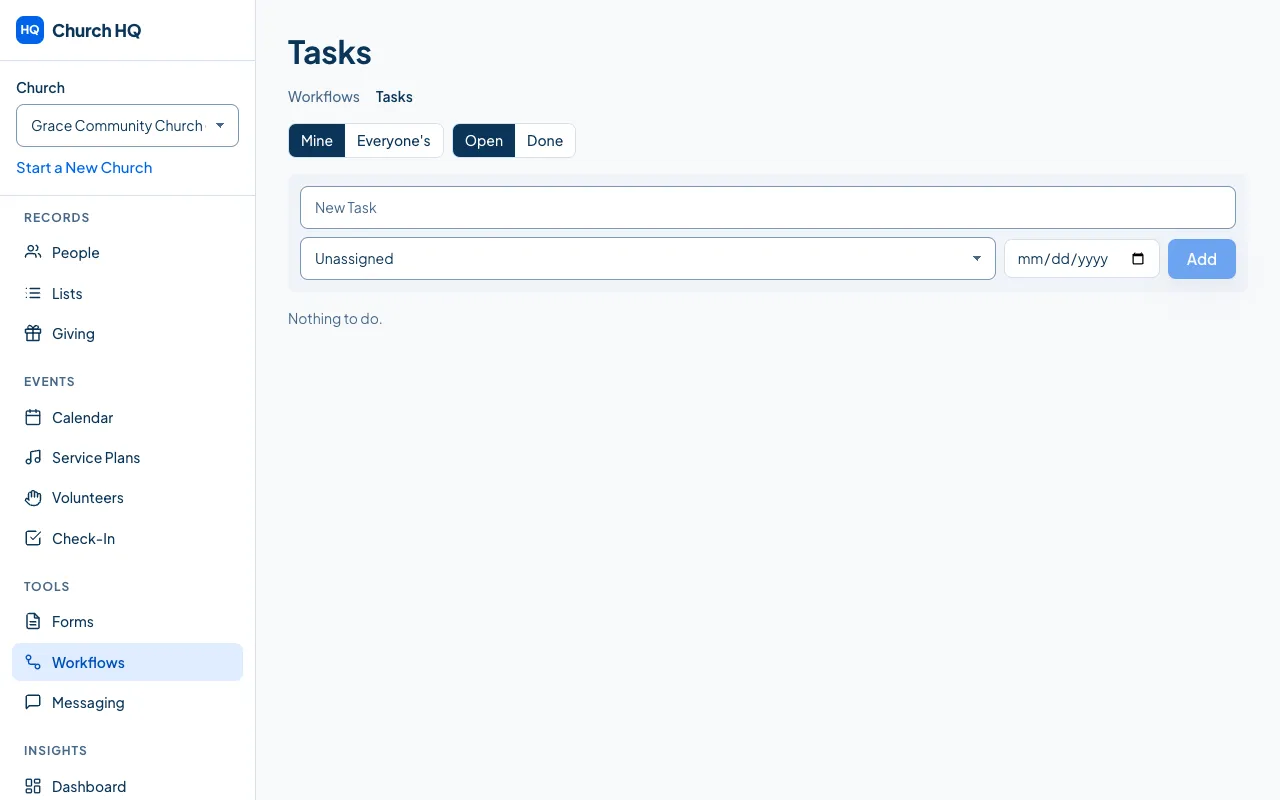
Choose Workflows in the sidebar, then Tasks.
-
Work down the list. Each task says who it is about, what to do, and when it was created.
-
Mark a task done when it is done.
Good to know
Section titled “Good to know”- Tasks come from workflows, so if a kind of follow-up keeps being forgotten, add a workflow that creates a task for it. See Create a Workflow.
- A task points at a person, so their record, their giving and their serving history are one click away before you call them.
Still stuck? Contact the Help Desk at help@mychurchhq.com and tell us which guide you were following.