Volunteers
Accept or Decline from the Email
When your church schedules you, Church HQ emails you. You do not need to sign in to answer.
-
Open the email. It says what you are scheduled for, and when.
-
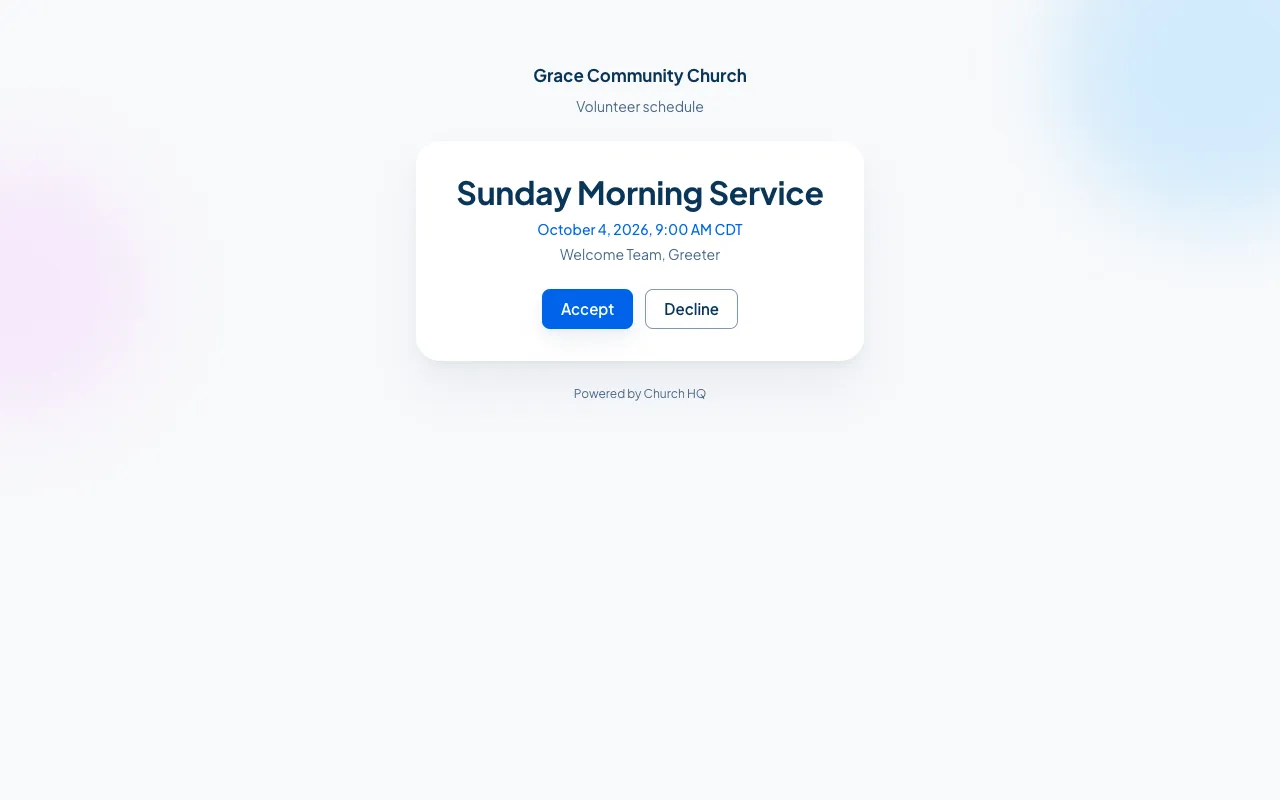
Choose the link in it. It opens a page with the details and two buttons.
-
Choose Accept or Decline.
That is it. Your church sees your answer straight away, and the gap on their rota closes.
On a phone
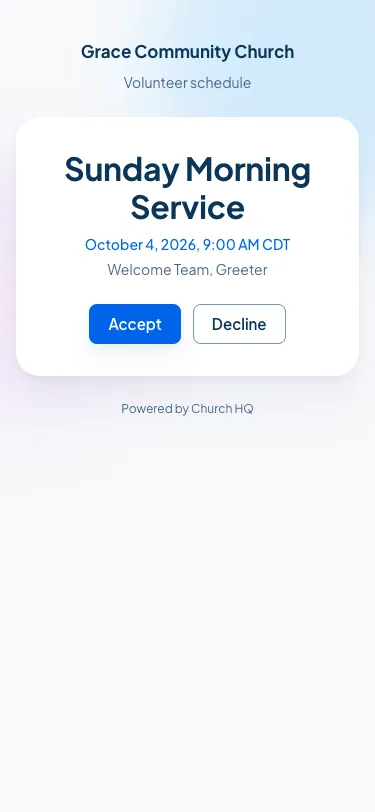
Section titled “On a phone”The page is made for it, because that is where most people read the email.
Good to know
Section titled “Good to know”- The link is yours. It answers for you and nobody else, so do not forward it.
- Changed your mind? Sign in to the Member Portal and change your answer there, or tell whoever schedules you. See Respond in the Member Portal.
- Lost the email? Everything you are scheduled for is in the Member Portal.
Still stuck? Contact the Help Desk at help@mychurchhq.com and tell us which guide you were following.