Service Plans
Create and Use a Service Plan Template
Most services follow the same shape most weeks. A template keeps that shape so nobody rebuilds it every Monday.
-
Choose Service Plans in the sidebar, then the Templates tab.
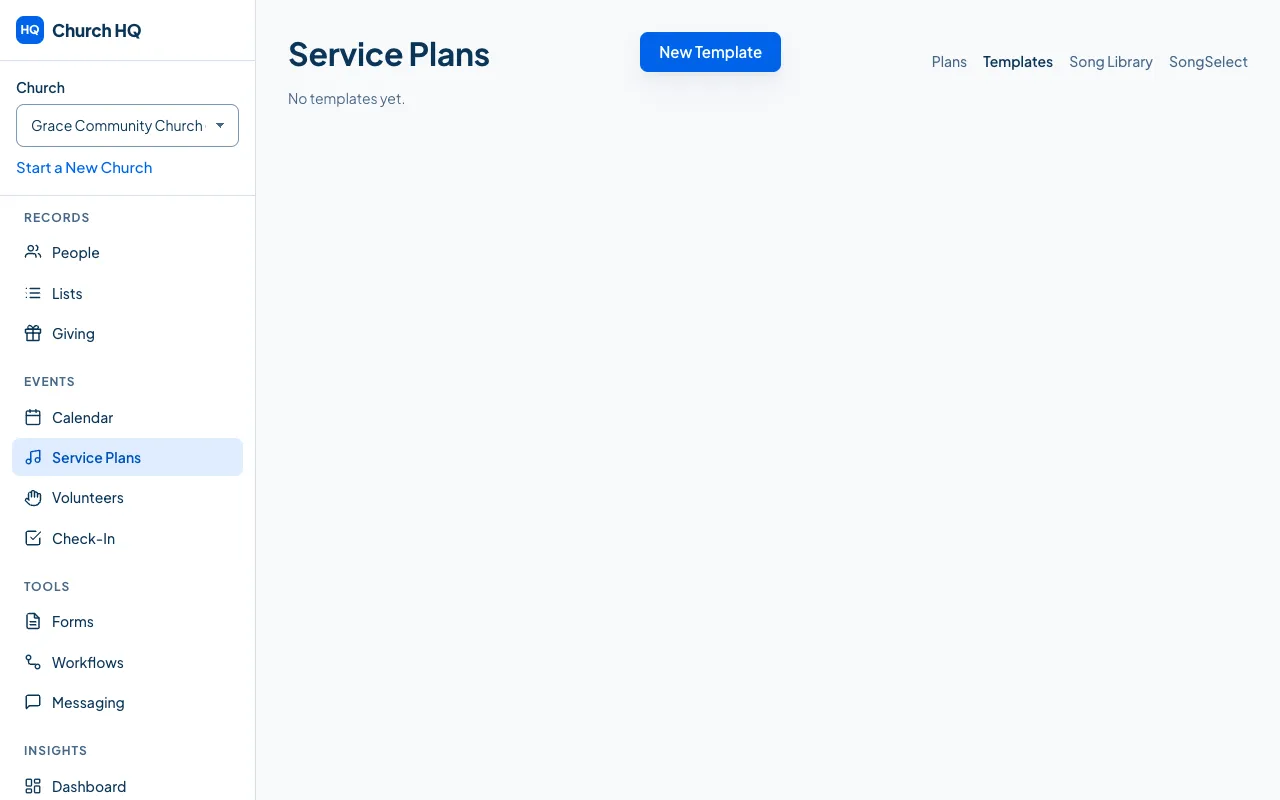
-
Choose New Template and give it a name your team will recognise, such as
Standard SundayorCommunion Sunday. -
Add the items in the order they usually happen, with the usual lengths.
Using a template
Section titled “Using a template”When you create a plan, choose the template in New Service Plan. The plan starts as a copy of it, and you change whatever is different this week. The template itself is untouched.
Good to know
Section titled “Good to know”- Two or three templates is usually enough: an ordinary Sunday, a communion Sunday, and something for an evening or a special service.
- Archiving a template leaves every plan ever built from it alone.
Still stuck? Contact the Help Desk at help@mychurchhq.com and tell us which guide you were following.