Giving
Connect Stripe to Accept Online Donations
Church HQ takes online donations through Stripe. The money goes straight into your church’s own Stripe account, not through Level Up, and your church controls its own payouts.
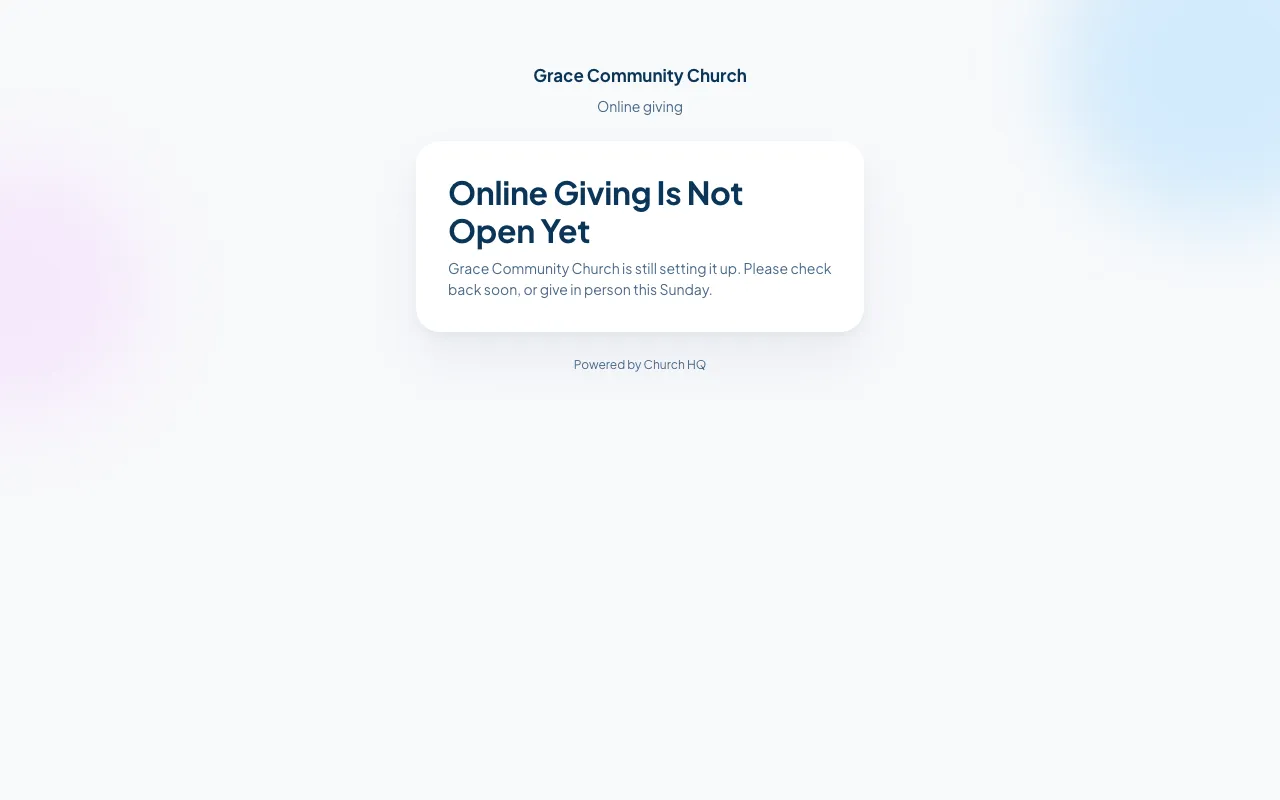
Until Stripe is connected, your giving page tells visitors online giving is not open yet.
Before you start
Section titled “Before you start”Stripe will ask for the things any payment processor asks a business for:
- your church’s legal name, address and EIN
- what your church does, and your website
- a person to be responsible for the account, with their date of birth and address
- the bank account payouts should go to
-
In the sidebar, choose Administration, then the Giving Settings tab.
-
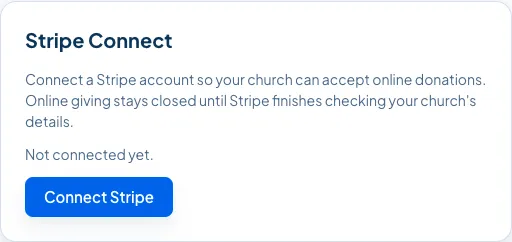
Choose Connect Stripe. Church HQ hands you over to Stripe.
-
Fill in Stripe’s questions. It is Stripe’s own form, so it looks different from Church HQ, and Stripe decides what it needs.
-
When Stripe is finished, it sends you back to Giving Settings, which now shows the connection as connected.
Online giving opens as soon as Stripe says the account can take card payments. That is usually immediate, and occasionally Stripe asks for more before it says yes.
Church HQ Missions
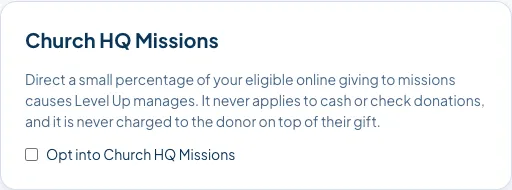
Section titled “Church HQ Missions”Opt into Church HQ Missions is on the same screen. When it is on, donors can add a small amount for missions on top of their donation, tagged as your church’s own gift.
Good to know
Section titled “Good to know”- Level Up never holds your church’s money. Donations settle into your Stripe account.
- Only Owners and Administrators can connect Stripe or change giving settings.
- Offline giving works without Stripe. Cash and checks can be recorded from day one. See Record a Donation.
Still stuck? Contact the Help Desk at help@mychurchhq.com and tell us which guide you were following.