Lists
Build a List
A list is a question about your people that Church HQ keeps answering: everyone who joined this month, everyone who serves on a Sunday, every parent of a child in the nursery. People join and leave a list as their records change, so it is never out of date.
-
Choose Lists in the sidebar, under RECORDS.
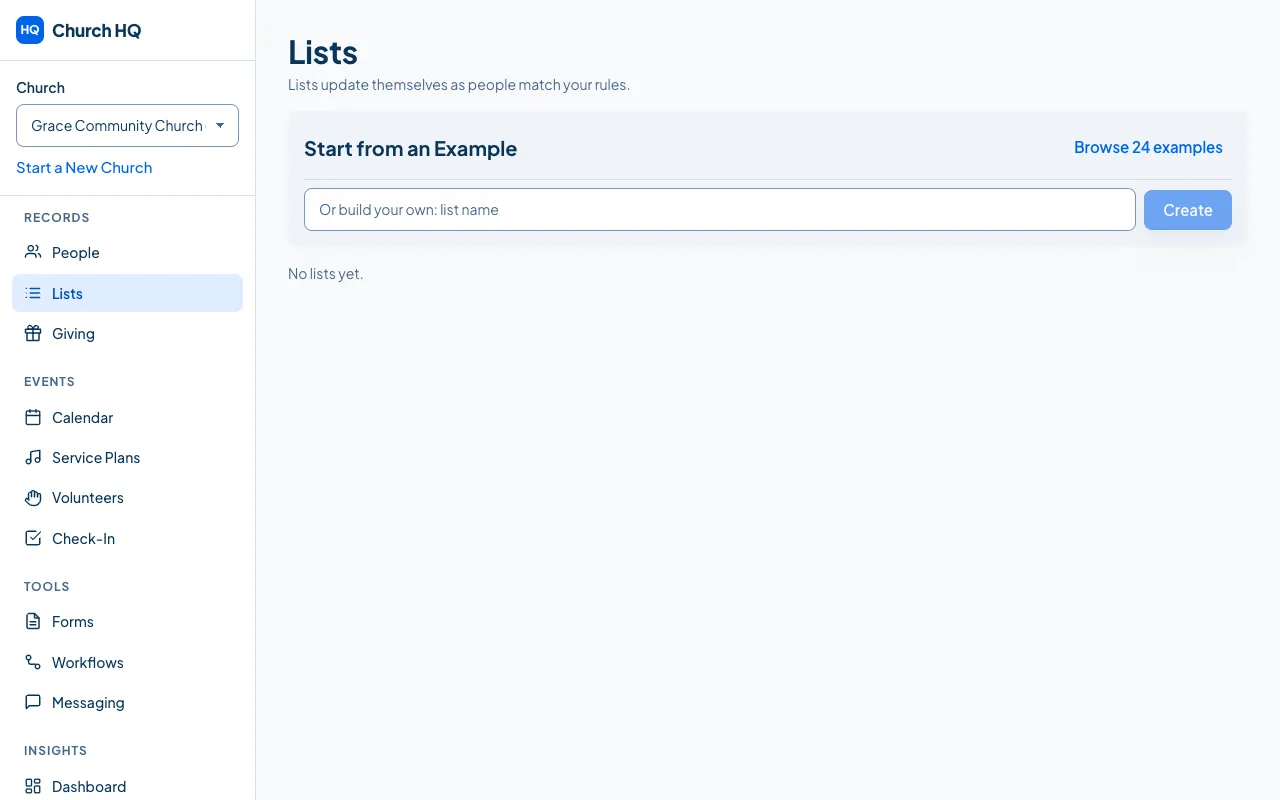
-
Either start from an example, which is the quickest way to see how lists work, or create your own and add the rules.
-
Add rules: a tag, a status, a date, a campus, whether they serve, whether they give. Rules can be combined, so “serves on Sunday and has no background check” is one list.
-
Save it.
The list shows who is in it now, and updates itself from then on.
Start from an example
Section titled “Start from an example”Church HQ ships 24 examples, which cover most of what a church asks.
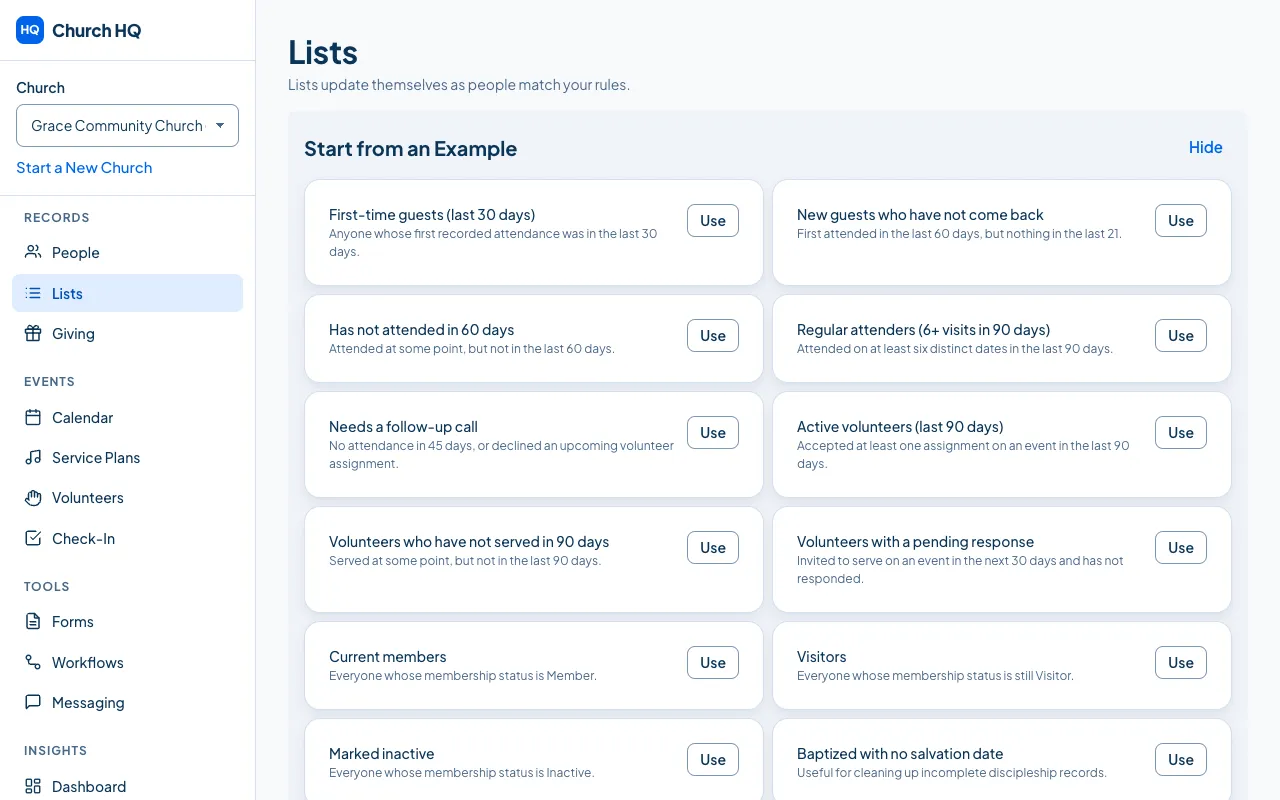
Choose Browse 24 examples, pick one, and change its rules to suit your church.
What lists are for
Section titled “What lists are for”- Messaging: send to a list rather than picking names. See Send a Message.
- Workflows: do something when someone joins a list. See Create a Workflow.
- Knowing your church: a list of people with no household, or no email, shows you what to tidy.
Good to know
Section titled “Good to know”- Who can see a list’s results follows the information in it. A list built on giving is only visible to people who can see giving.
- Lists recompute in the background, so a big list is ready when you open it rather than making you wait.
- Lists are part of Pro.
Still stuck? Contact the Help Desk at help@mychurchhq.com and tell us which guide you were following.