Integrations
Create and Revoke an API Key
An API key lets a system you control work with your church’s data directly. This is part of an Enterprise plan.
-
In the sidebar, choose Administration, then Integrations, then API Keys.
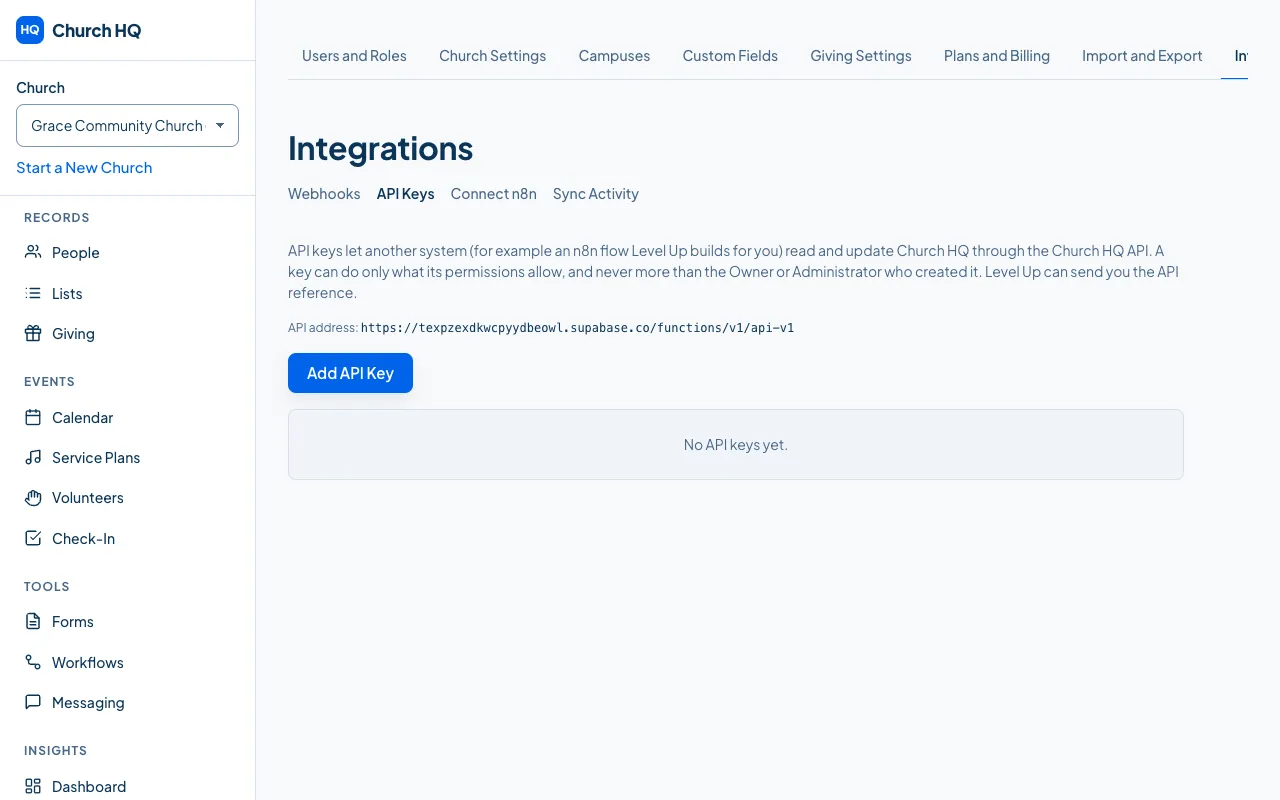
-
Choose to add a key.
-
Name it after the thing that will use it, such as
Attendance kiosk. -
Choose its scopes: only what that system actually needs.
-
Copy the key when it is shown. It is shown once.
Revoking
Section titled “Revoking”Revoke a key from its row, and confirm. Anything using it stops working immediately, which is what you want when a key has leaked or a system has been retired.
Good to know
Section titled “Good to know”- Scopes cannot be edited after a key is issued. Issue a new key with the scopes you want and revoke the old one.
- Keys are rate limited per key and per church, so one runaway script cannot slow your church’s own screens.
- Everything a key does is recorded in the activity trail, against that key.
Still stuck? Contact the Help Desk at help@mychurchhq.com and tell us which guide you were following.