Plans and Billing
Update Your Card and See Invoices
Change the card
Section titled “Change the card”-
In the sidebar, choose Administration, then Plans and Billing.
-
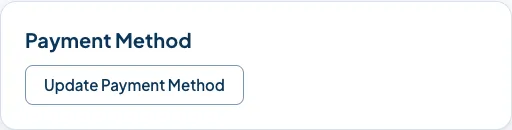
Find Payment Method.
-
Choose Update Payment Method and enter the new card.
The next payment uses the new card. Church HQ never sees the number: it is held by Stripe.
Invoices and receipts
Section titled “Invoices and receipts”Stripe emails a receipt each time your church is charged, to the Owner’s address. Those emails are the record for your bookkeeping.
Good to know
Section titled “Good to know”- This is your church’s subscription to Church HQ, and is nothing to do with the card details your donors use, which are handled by your own Stripe account. See Connect Stripe.
- A card that is about to expire is worth changing before it does, because a failed payment starts a countdown. See When a Payment Fails.
Still stuck? Contact the Help Desk at help@mychurchhq.com and tell us which guide you were following.