Integrations
Add a Webhook
A webhook tells another system, the moment something happens in your church: a person is added, a donation arrives, a form is submitted. Your system gets a message; nobody has to check.
This is part of an Enterprise plan.
-
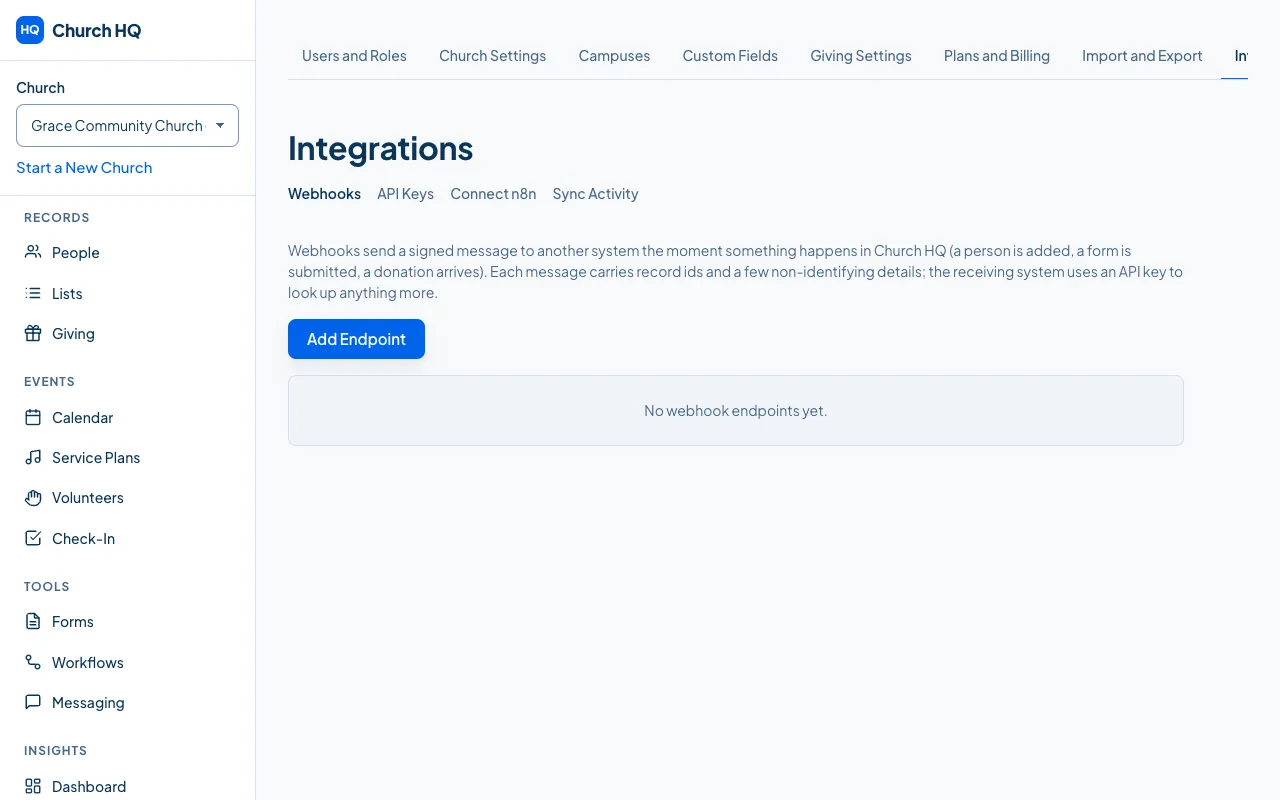
In the sidebar, choose Administration, then Integrations, then Webhooks.
-
Choose Add Endpoint.
-
Enter the address your system listens on. It must be
https, and it cannot be an address inside a private network. -
Choose the events you want to hear about.
-
Save, and keep the signing secret Church HQ shows you.
Checking it works
Section titled “Checking it works”Send a test event from the endpoint’s row and look at what your system received.
Each endpoint keeps a delivery history, with what was sent and what came back. A delivery that failed can be replayed once the other system is fixed.
Good to know
Section titled “Good to know”- Check the signature. Every message is signed with your endpoint’s secret, which is how your system knows it really came from Church HQ.
- Rotate the secret if it is ever exposed; Church HQ signs with the new one from then on.
- Church HQ refuses private addresses on purpose, so a webhook cannot be pointed at something inside our own network.
Still stuck? Contact the Help Desk at help@mychurchhq.com and tell us which guide you were following.