Member Portal
Sign In to the Member Portal
The Member Portal is your own corner of your church’s Church HQ. You see your own things and nobody else’s: what you are scheduled for, what you have given, and forms meant for members.
Getting in the first time
Section titled “Getting in the first time”Your account comes from your church, in one of two ways:
- Your church invited you, usually because you volunteer. Open the email and follow the link.
- You gave online, and Church HQ offered you an account so you could see your own giving. Follow the link in that email.
Either way you choose a password, and then you sign in at mychurchhq.com like anyone else. See Sign In.
What you see
Section titled “What you see”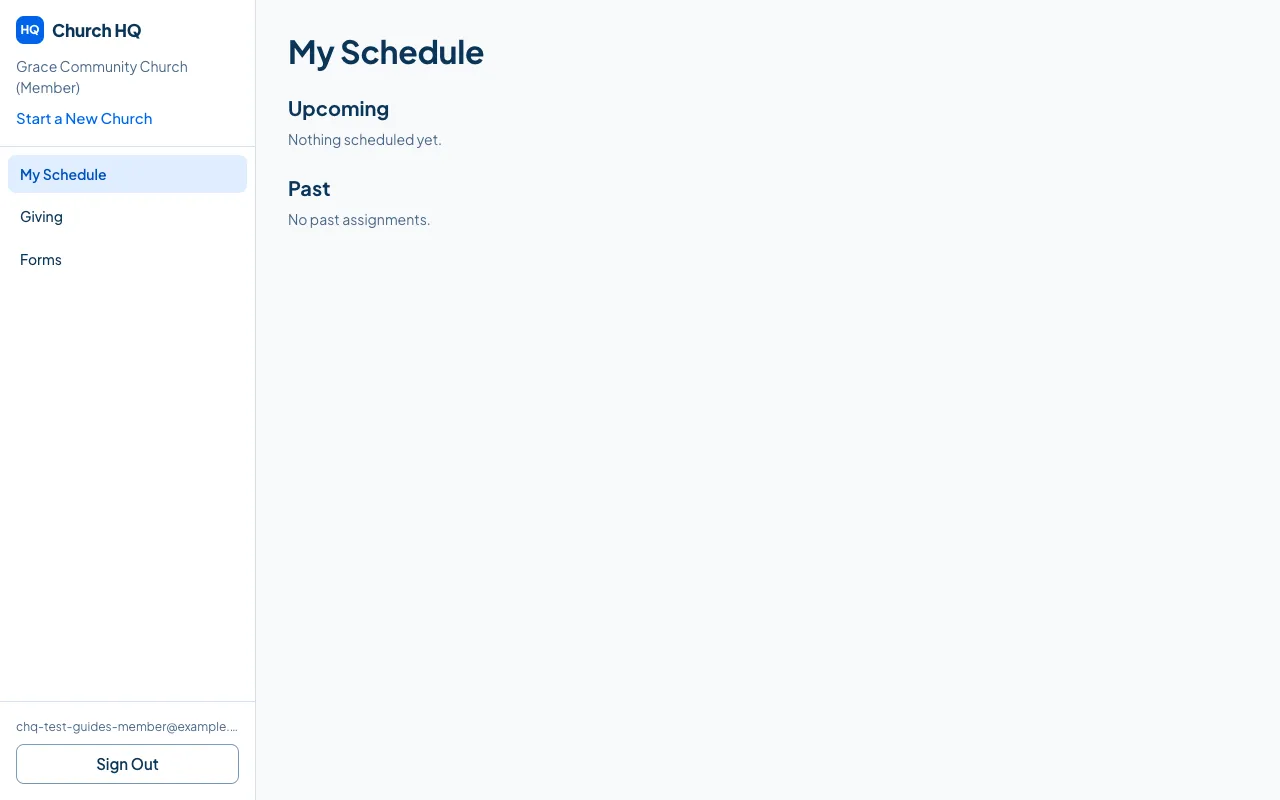
- My Schedule: what you are scheduled to serve at, and what you have already answered.
- Giving: your own giving history and statements.
- Forms: forms your church has made available to members.
On a phone
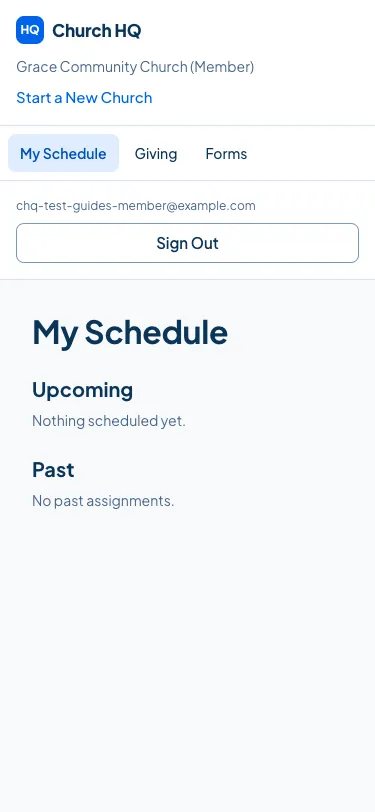
Section titled “On a phone”The portal is built for phones, which is where most people read it.
Good to know
Section titled “Good to know”- You only ever see your own information. The portal is not a directory of the church.
- If you belong to more than one church, you choose which one when you sign in. See Choose and Switch Churches.
- Trouble getting in? Ask your church to check the email address they invited, then use Forgot password? on the sign-in screen.
Still stuck? Contact the Help Desk at help@mychurchhq.com and tell us which guide you were following.