Volunteers
Create a Team and Its Positions
A team is a group who serve together: the Welcome Team, the Worship Team, Kids. Positions are the jobs on that team: Greeter, Vocals, Camera, Room Leader. Church HQ schedules people into positions, so it is worth setting them up the way your church actually talks about them.
1. Open Volunteers and add a team
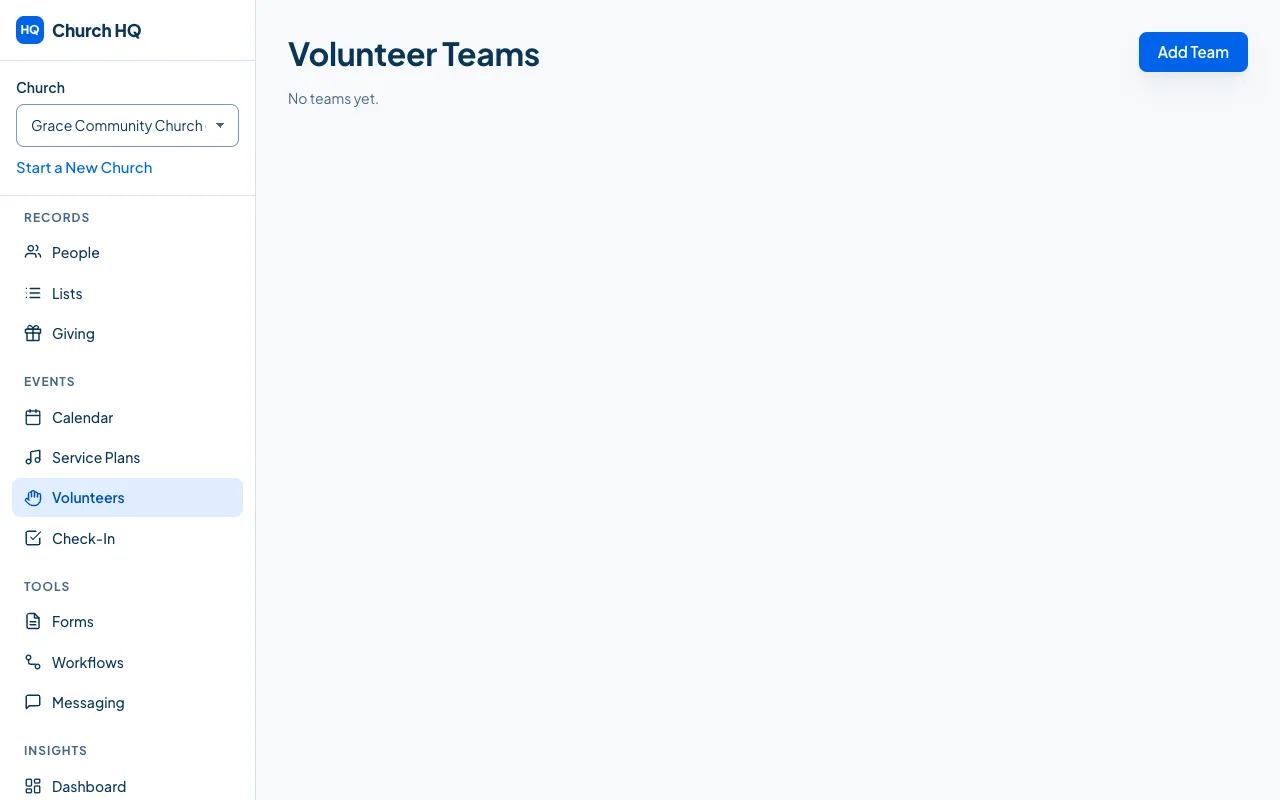
Section titled “1. Open Volunteers and add a team”Choose Volunteers in the sidebar, then Add Team.
Fill in the Team Name, a Description (Optional), and the campus it belongs to, or leave it as All Campuses.
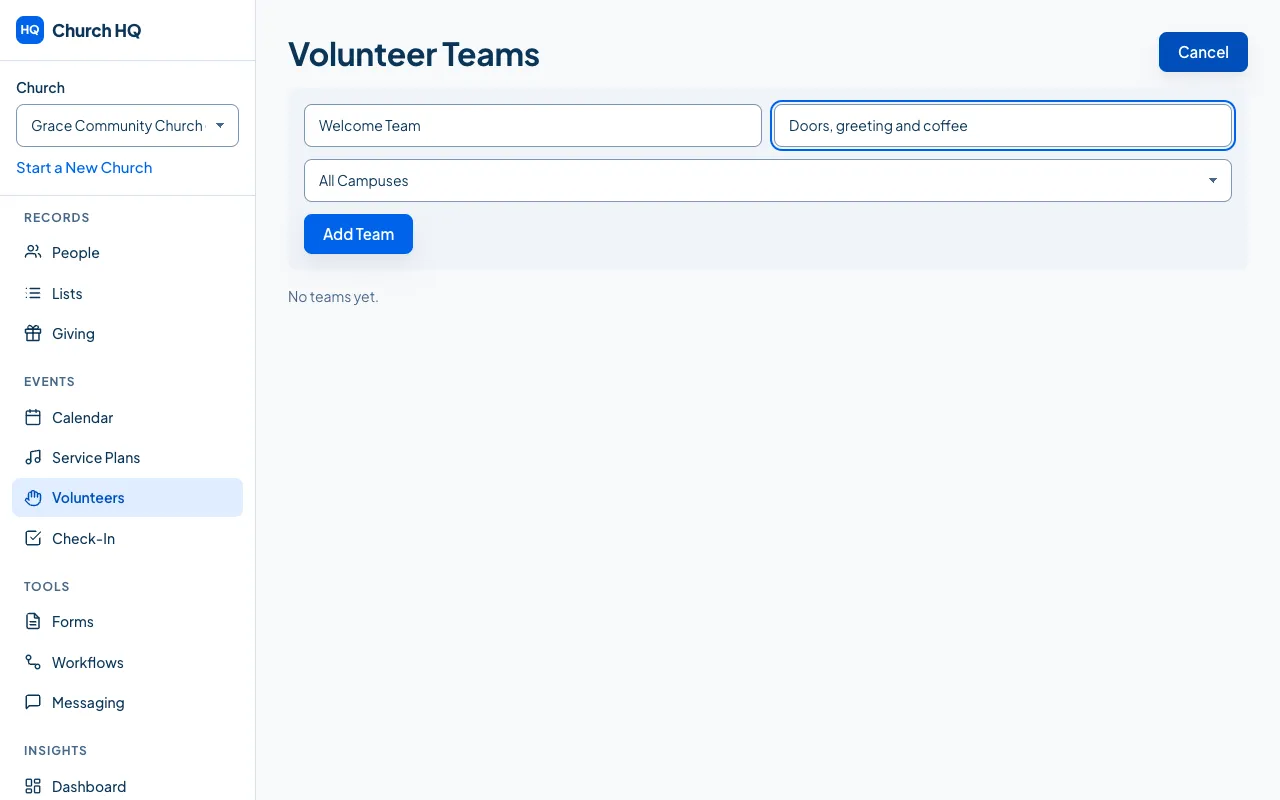
Choose Add Team.
2. Add the positions
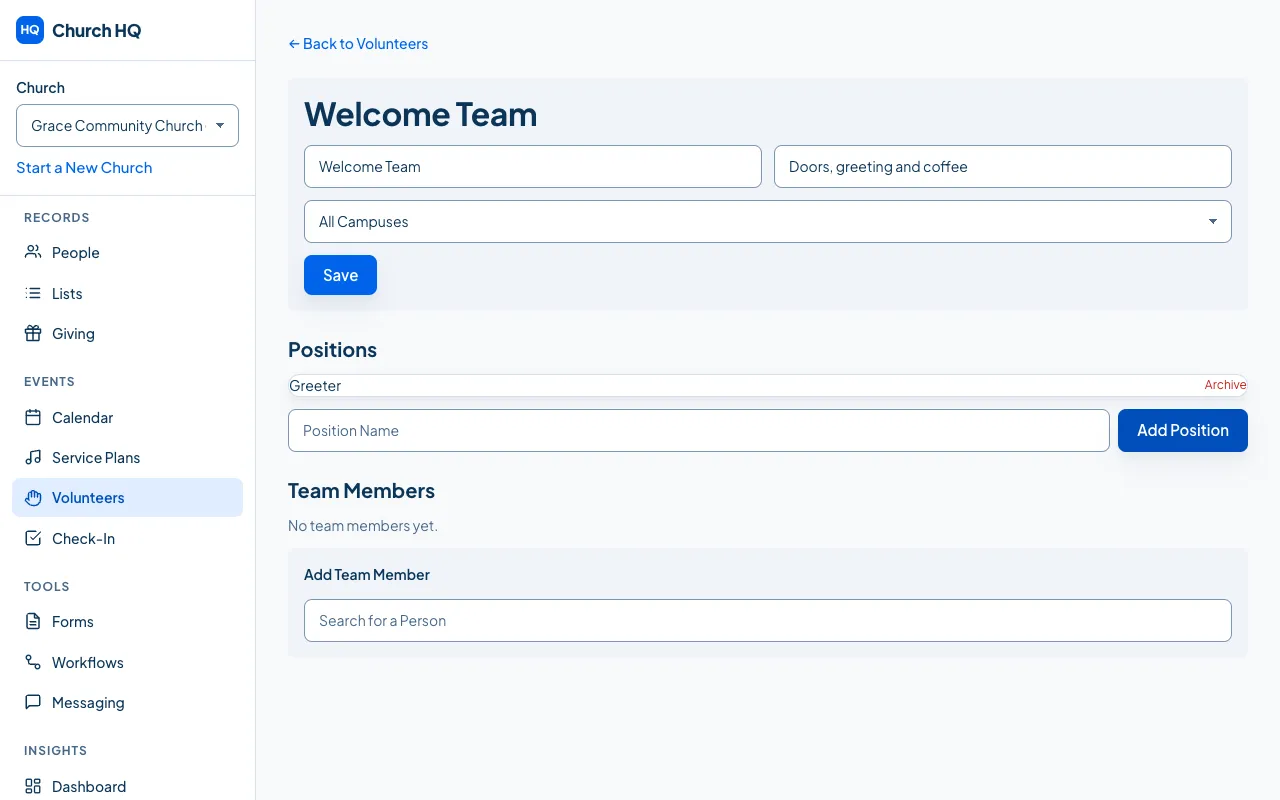
Section titled “2. Add the positions”Open the team, type a Position Name and choose Add Position. Repeat for each job on the team.

3. Add the people
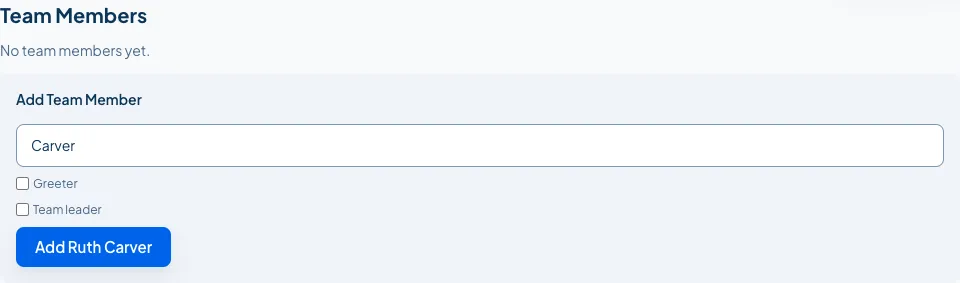
Section titled “3. Add the people”In Team Members, search for a person, tick the positions they can cover, tick Team leader if they lead, and choose the Add button, which names them.
Your team now has its positions and its people.
Good to know
Section titled “Good to know”- Positions are per team. A Greeter on the Welcome Team is a different position from a Greeter on the Kids Team, which keeps each team’s schedule its own.
- Archive rather than delete. Archiving a team or a position keeps the history of who served.
- People can be on several teams, with different positions on each.
Still stuck? Contact the Help Desk at help@mychurchhq.com and tell us which guide you were following.