Giving
Create and Manage Funds
A fund is what a donation is for: General, Building, Benevolence, Missions. Every donation belongs to one, which is what makes the giving reports worth reading.
-
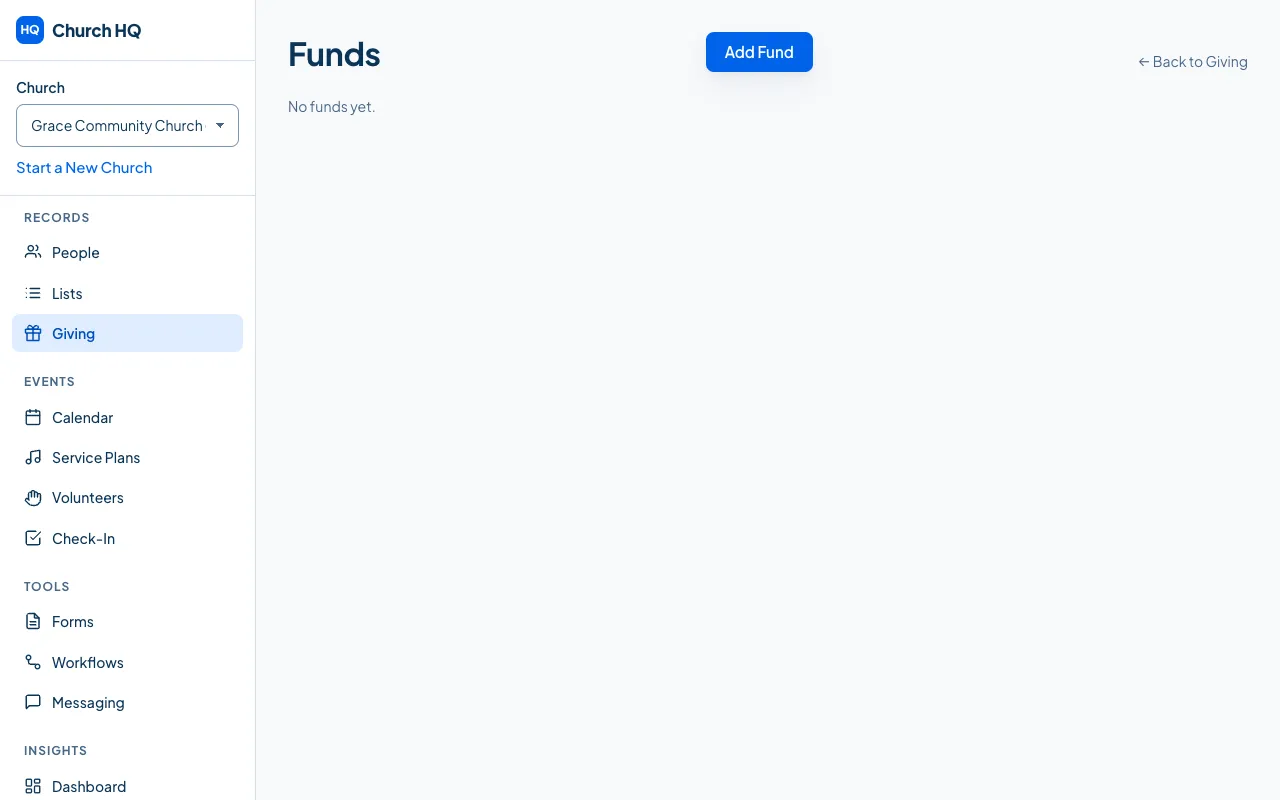
Choose Giving in the sidebar, then the Funds tab.
-
Choose Add Fund.
-
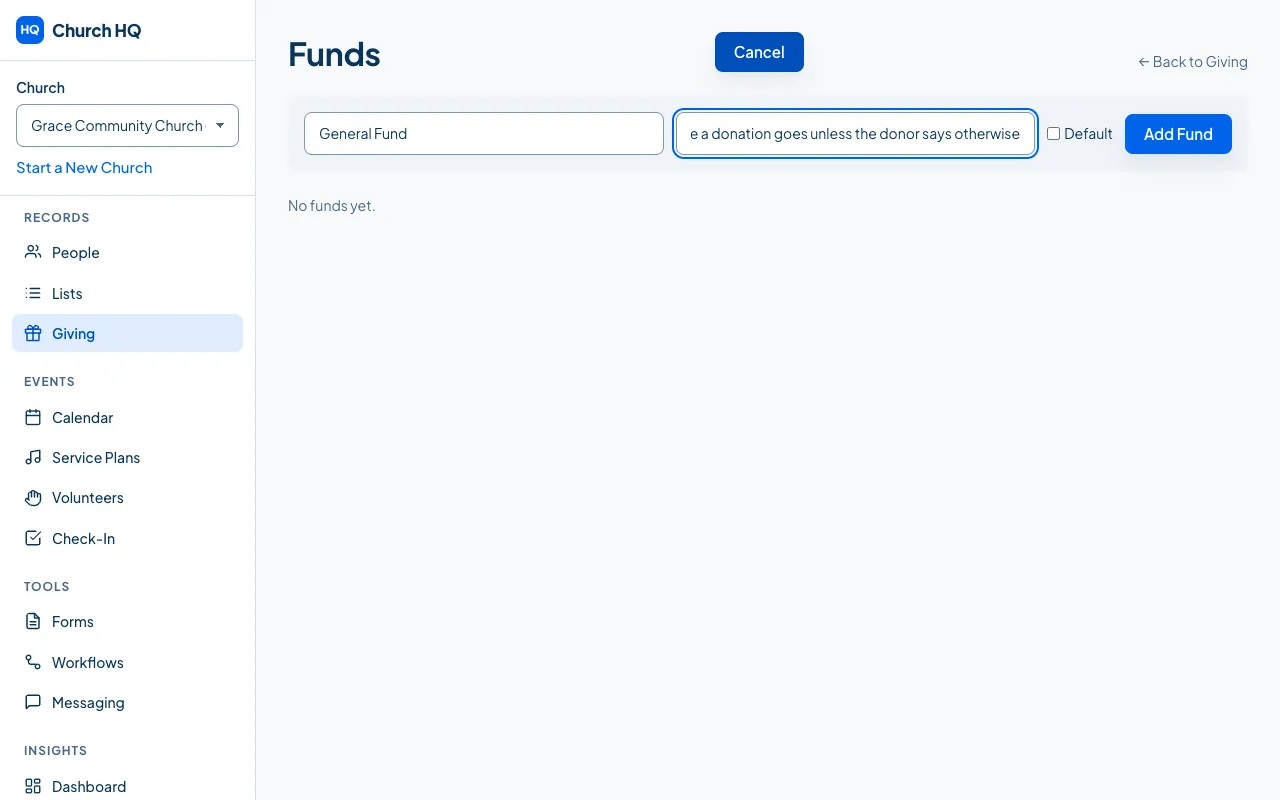
Fill in the Fund Name and a Description (Optional), and tick the box if this should be the default fund, which is the one used when nobody chooses.
-
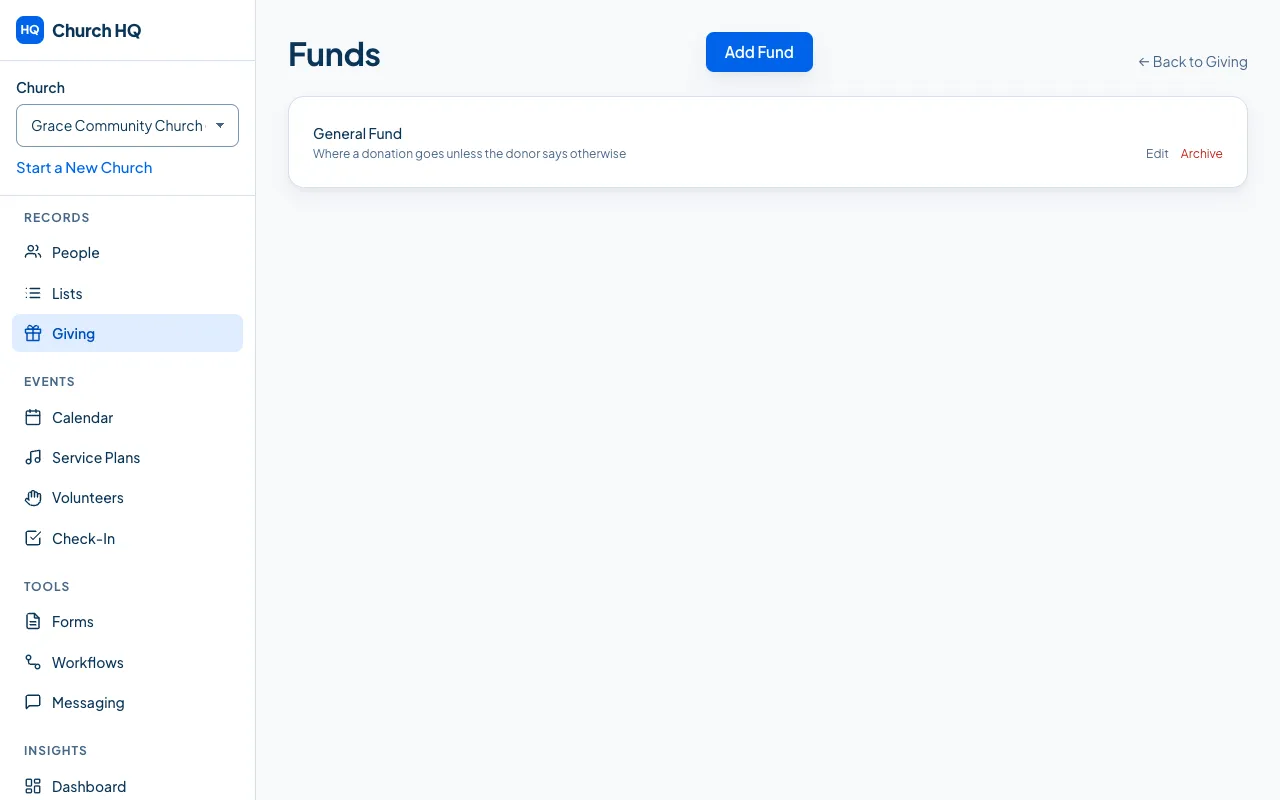
Save.
Editing and archiving
Section titled “Editing and archiving”- Edit changes a fund’s name or description. Donations already recorded to it follow the new name.
- Archive takes a fund out of the pickers, on your giving page and in the office, and keeps every donation ever given to it. Church HQ asks you to confirm, and says the donations are kept.
Good to know
Section titled “Good to know”- Start with a handful. Funds are easy to add and hard to merge, so most churches begin with General and one or two others.
- One fund is the default. Give it the name you want on your giving page’s first line.
- Donors choose a fund on your public giving page, from the funds you have not archived.
Still stuck? Contact the Help Desk at help@mychurchhq.com and tell us which guide you were following.