Dashboard and Reports
Run and Export a Report
Reports answer specific questions: attendance by month, giving by fund, who has served this quarter, which first-time guests came back.
-
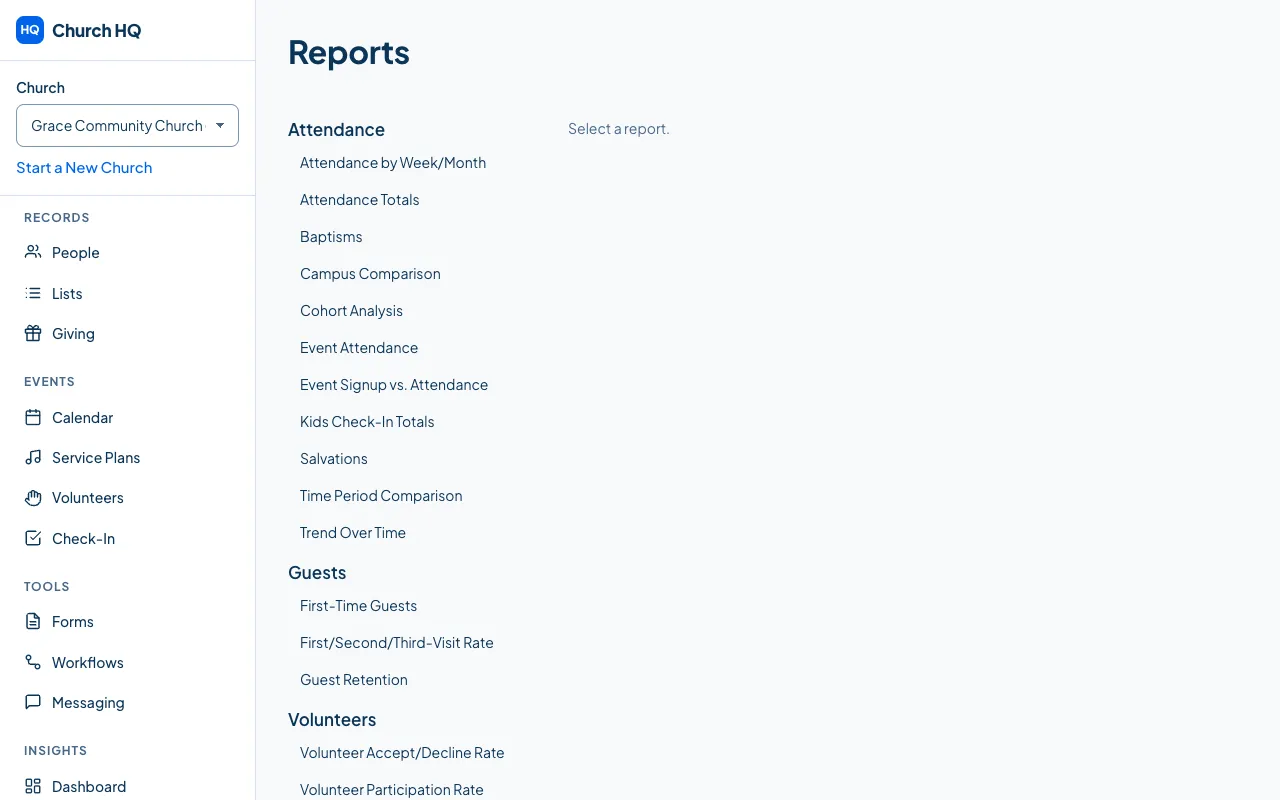
Choose Reports in the sidebar, under INSIGHTS.
-
Choose a report. They are grouped by what they are about: attendance, volunteers, giving, forms and follow-up.
-
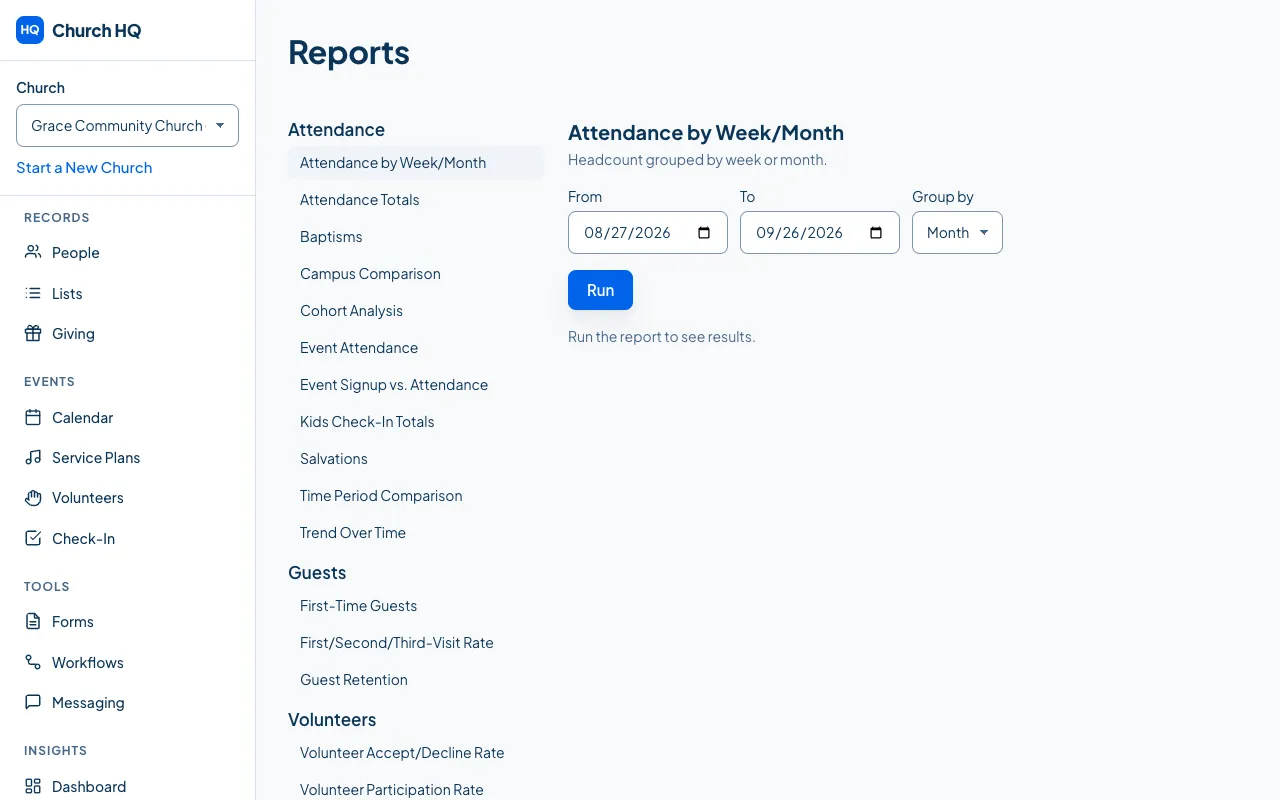
Set the dates, the campus and anything else the report asks for, then run it.
-
Export it if you need the numbers elsewhere, for a board meeting or a spreadsheet.
What is included on each plan
Section titled “What is included on each plan”Every plan has the operational reports: attendance, giving totals, volunteers, guests. Pro adds the ones that compare periods and follow groups over time, such as trends, cohorts and campus comparisons.
Good to know
Section titled “Good to know”- Giving reports need giving access, in the same way as everywhere else.
- Attendance reports count the Total from each record, the same figure the dashboard shows. See Record attendance for what the Total means.
- A report that groups by week uses your church’s week. Where a week begins is set under Preferences, so a church that gathers on Sunday can have a service counted at the start of its week rather than at the end.
- An export is a moment in time. The file you download is what the report said when you ran it.
- If a report is empty, check the dates and the campus first; that is usually what has happened.
Still stuck? Contact the Help Desk at help@mychurchhq.com and tell us which guide you were following.