Member Portal
Your Giving History and Statements
Your giving
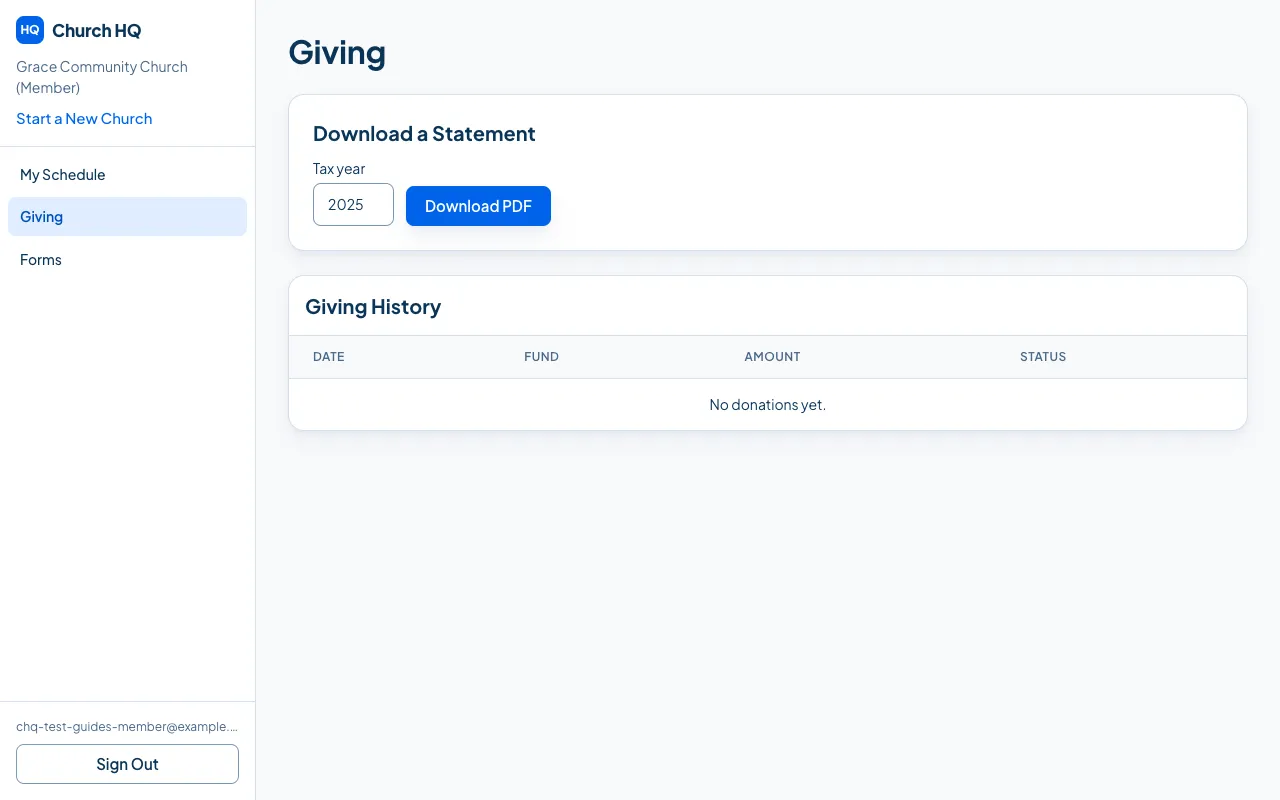
Section titled “Your giving”Sign in and choose Giving. You see every donation your church has recorded against you: online and offline, with the date, the fund and the amount.
Download a statement
Section titled “Download a statement”Under Download a Statement, choose the year and choose Download PDF.
The statement has your church’s name, address and EIN, your name and address, your donations for the year net of any refunds, a separate deductible total, and the wording the IRS expects.
Recurring donations
Section titled “Recurring donations”If you give regularly, your plan is here too, and you can pause, resume or cancel it yourself without calling the church office.
Good to know
Section titled “Good to know”- Cash with no name on it cannot appear here, because nobody knows it was yours. Ask your church about giving envelopes if that matters to you.
- Statements are built when you download them, so a correction your church makes is in your next download.
- Something missing or wrong? Your church’s office can see the same records and fix them.
Still stuck? Contact the Help Desk at help@mychurchhq.com and tell us which guide you were following.