Giving
Manage Recurring Donations
A recurring donation is a donor’s standing arrangement: an amount, a fund and a rhythm. Donors set them up themselves on your giving page, and can manage them in the Member Portal. This screen is for when a donor asks your office to do it.
-
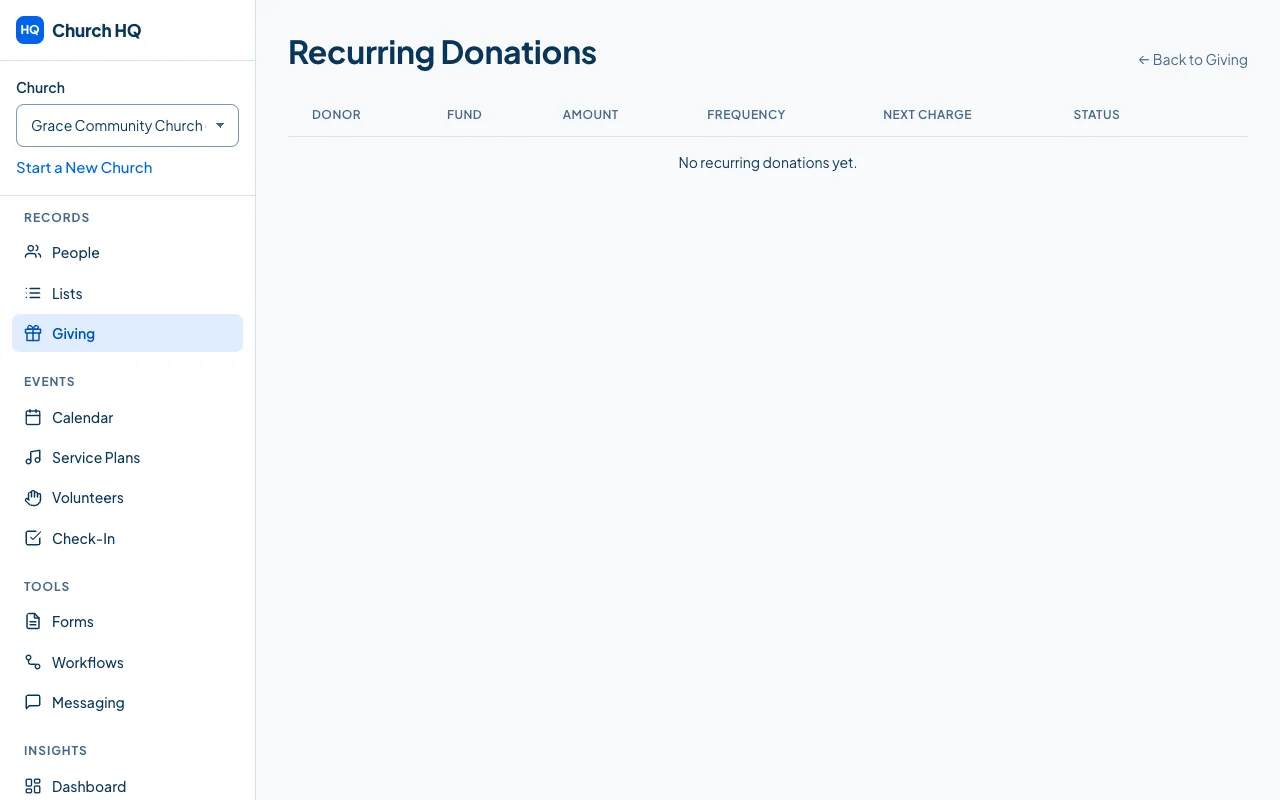
Choose Giving in the sidebar, then the Recurring Donations tab.
-
Find the donor’s plan.
-
Choose what they asked for:
- Pause stops the payments and keeps the plan.
- Resume starts a paused plan again.
- Cancel ends it for good.
Each of these goes through Stripe first, so Church HQ and the donor’s bank never disagree.
Good to know
Section titled “Good to know”- Donors can do this themselves in the Member Portal, which saves your office the call. See Your Giving History.
- A failed payment is not the same as a cancelled plan. Stripe retries, and the donor hears from Stripe.
- Each payment appears in Donations as it is taken, so statements are always right.
Still stuck? Contact the Help Desk at help@mychurchhq.com and tell us which guide you were following.