Member Portal
Fill Out a Members-Only Form
Some forms are public, with a link anyone can open. Others are for members, and live in the portal so your church knows who filled them in.
-
Sign in and choose Forms.
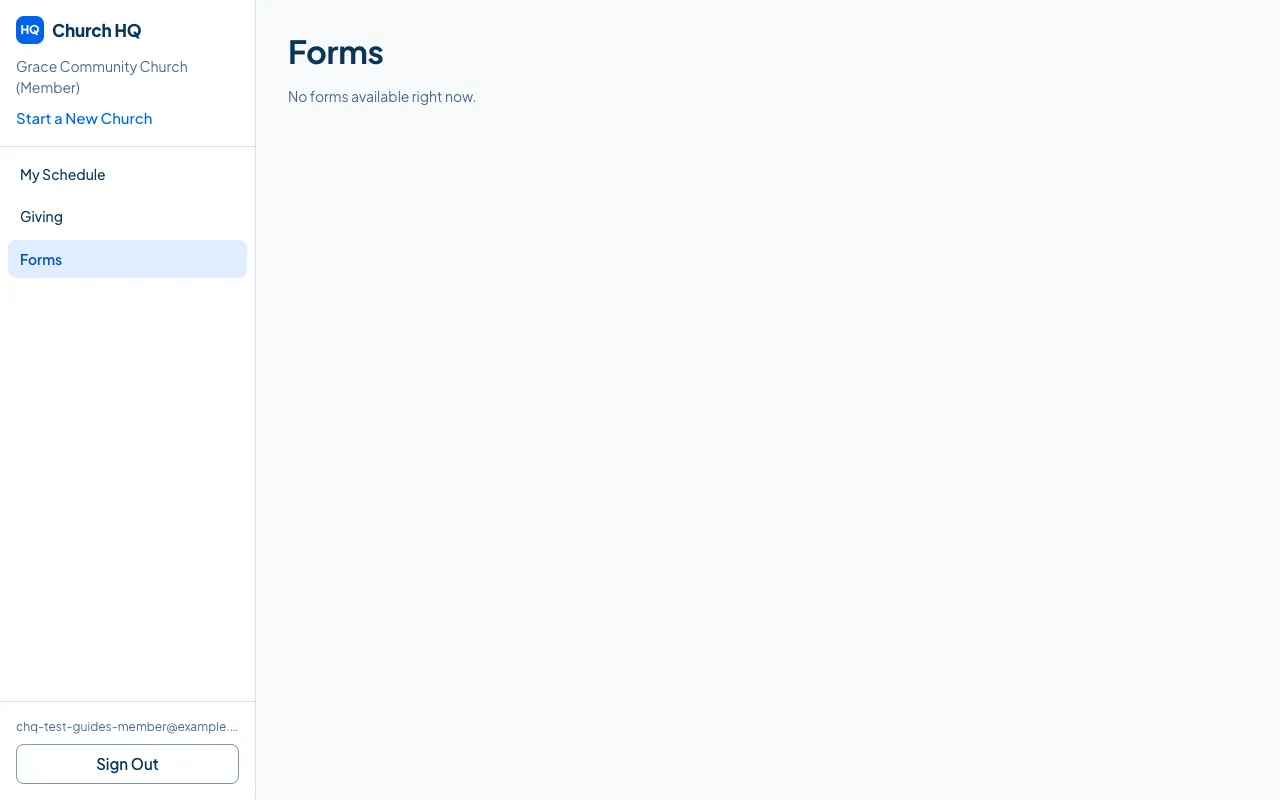
-
Choose the form and fill it in.
-
Submit it.
Because you are signed in, your church knows the answers are yours, and does not have to guess.
Good to know
Section titled “Good to know”- Public forms do not need the portal. If your church sent you a link, use the link.
- Prayer requests are visible to your church’s staff. If something is only for one person, speak to them directly.
Still stuck? Contact the Help Desk at help@mychurchhq.com and tell us which guide you were following.