People and Households
Search and Filter the People List
Search by name or email
Section titled “Search by name or email”Choose People in the sidebar and type in the Search by Name or Email box. The list narrows as you type.
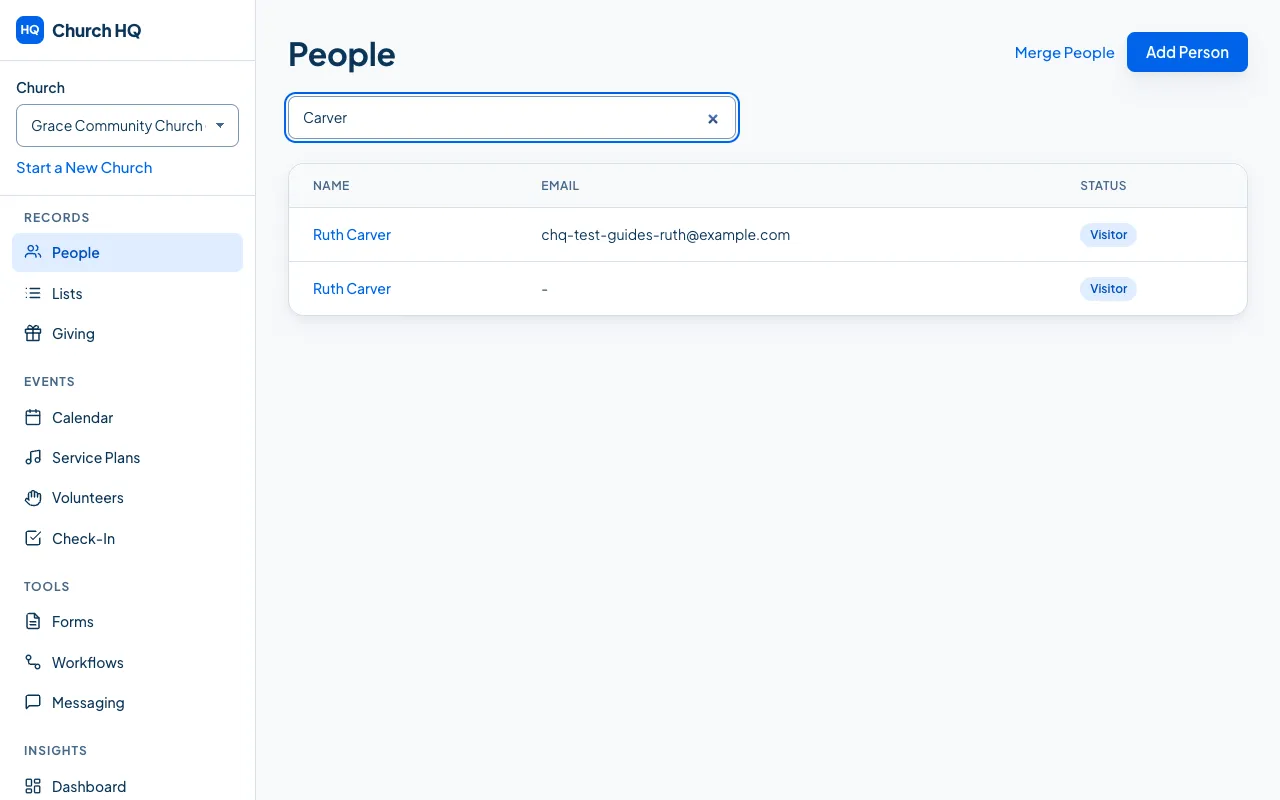
Choose anyone’s name to open their record.
When you need more than a search
Section titled “When you need more than a search”A search finds people by name or email. For anything else, such as everyone who serves on a Sunday, everyone who joined this year, or every parent of a child in second grade, use a List, which keeps itself current, or a report.
What View Only teammates see
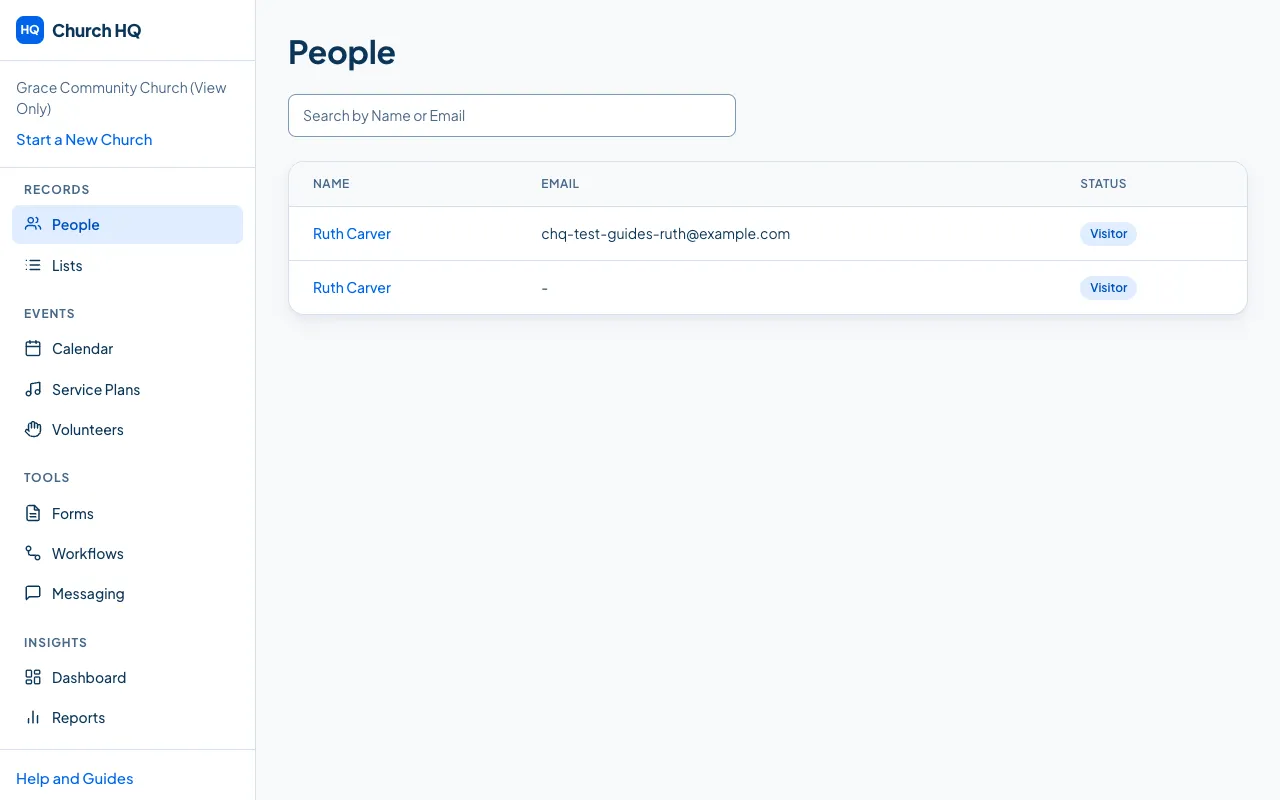
Section titled “What View Only teammates see”The same list, and they can open anyone’s record to read it. The buttons that would change something are not there, so a View Only teammate reads and reports rather than edits.
Still stuck? Contact the Help Desk at help@mychurchhq.com and tell us which guide you were following.