Dashboard and Reports
Read the Dashboard
The Dashboard is the first screen most people see. It answers the questions a church asks every week, without anyone running a report.
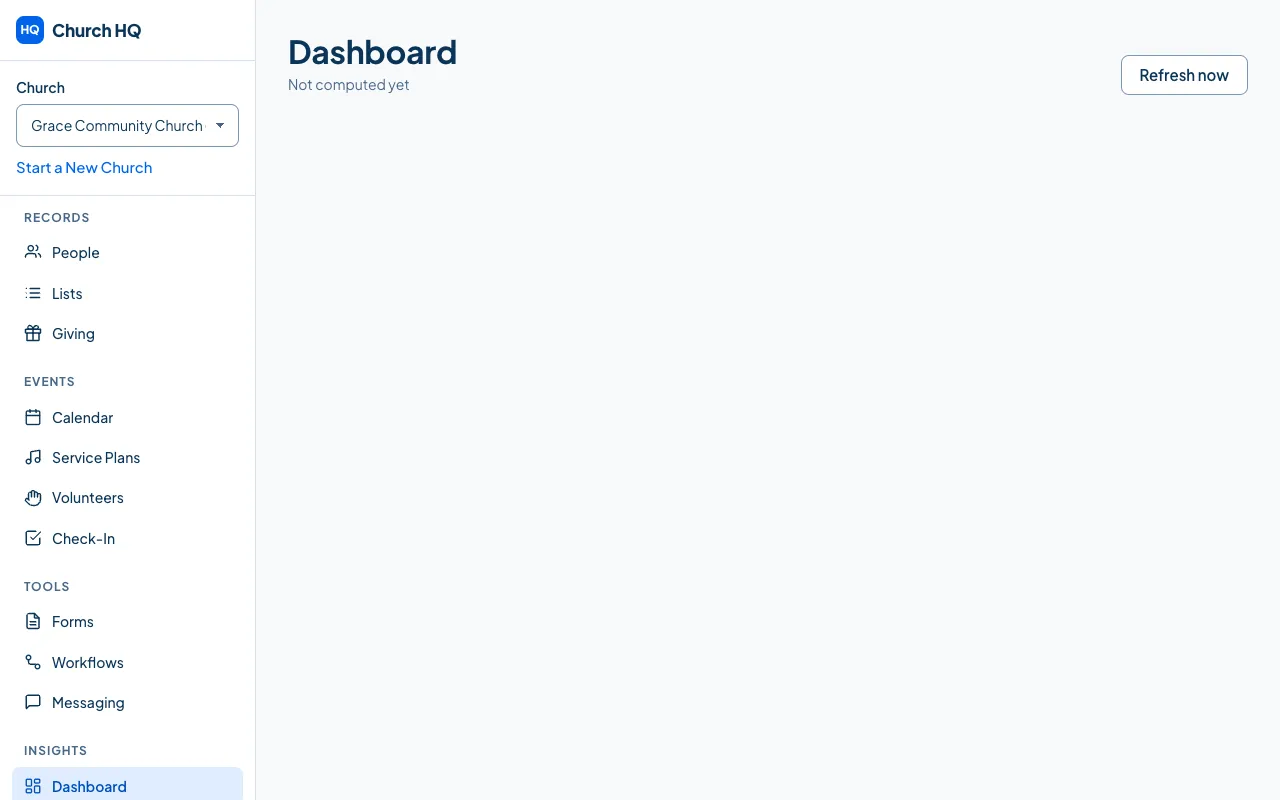
Choose Dashboard in the sidebar, under INSIGHTS.
What is on it
Section titled “What is on it”- attendance over recent weeks
- giving over recent weeks
- new people
- volunteer gaps in the days ahead
- what needs attention now
Last updated sits under the title, and Refresh now brings it up to date if you have just recorded something.
What you see depends on your access
Section titled “What you see depends on your access”Giving figures are only on the Dashboard for people who can see giving, and children’s numbers only for people with access to children’s information. Two people at the same church can see different Dashboards, and that is deliberate. See Give or Remove Access to Protected Information.
Good to know
Section titled “Good to know”- The numbers come from what you record. Attendance appears once someone records it, and giving as donations are entered or come in online.
- Attendance here is the Total from each record, the same figure Reports uses, so the dashboard and a report over the same weeks will agree. See Record attendance for what the Total means.
- Weeks here start where your church says they do. Set the first day of the week under Preferences; the Dashboard and your reports both follow it.
- For anything more specific, use Reports.
Still stuck? Contact the Help Desk at help@mychurchhq.com and tell us which guide you were following.