Church Settings
Create Custom Fields
A custom field adds something of your own to every person’s record: a baptism date, a school, a membership class, whatever your church keeps track of.
Pro includes up to 10 custom fields.
- In the sidebar, choose Administration, then the Custom Fields tab.
- Choose Add Custom Field.
- Give it a Label, the words your team will see on a person’s record.
- Choose a Type. The type decides what can be typed in, and what you can filter on later.
- Save.
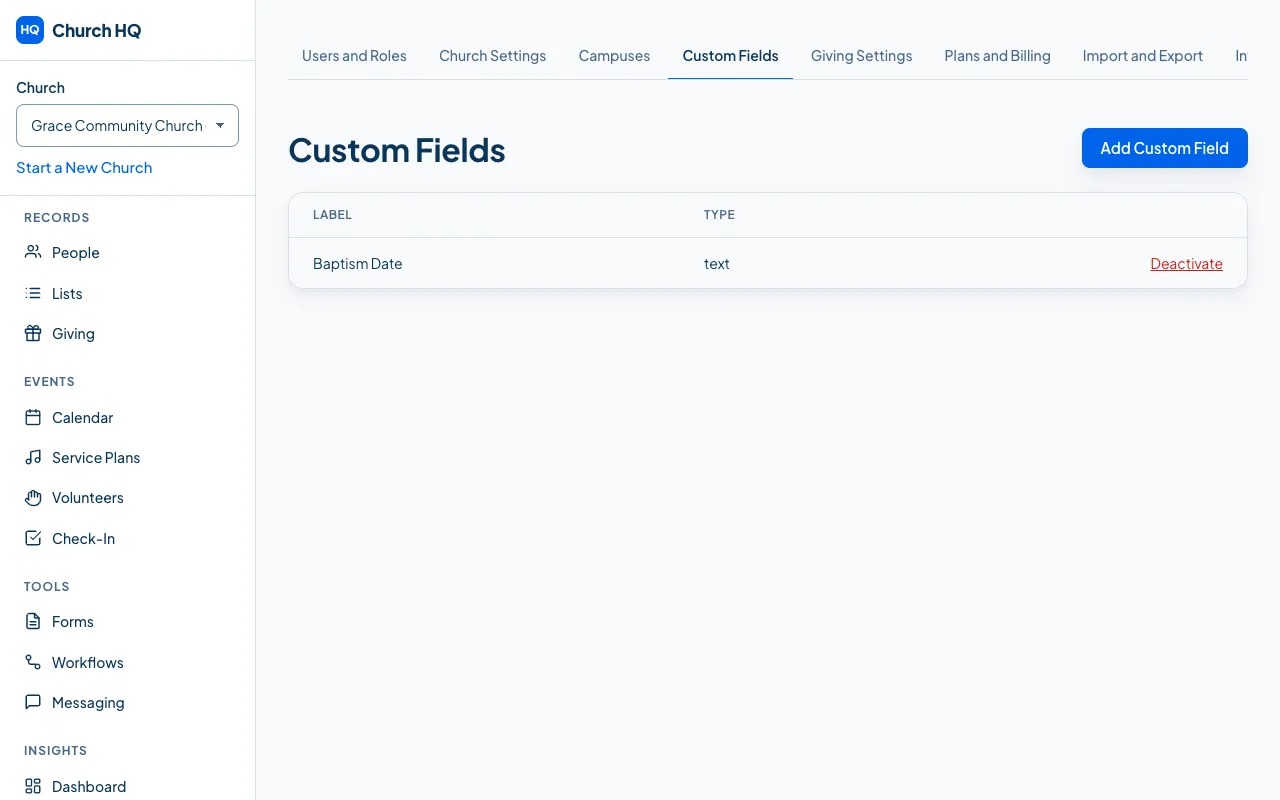
The field appears on every person’s record from then on, and you can use it in Lists and in reports.
Good to know
Section titled “Good to know”- Archiving a field keeps the answers. They stop showing on the record but are not deleted.
- Think before you add many. A field everyone must fill in is a field someone must maintain.
- Sensitive information does not belong here. Children’s allergies and medical notes have their own protected place in Kids Check-In, where access is controlled.
Still stuck? Contact the Help Desk at help@mychurchhq.com and tell us which guide you were following.