Getting Started
Choose and Switch Churches
One login can belong to several churches. You might own two, or serve at one and give at another. Church HQ always works in one church at a time, so it asks which one.
If you belong to only one church, none of this appears, and you go straight in.
Choosing a church when you sign in
Section titled “Choosing a church when you sign in”After signing in, Church HQ shows Choose a Church, with your role and the church’s status beside each name.
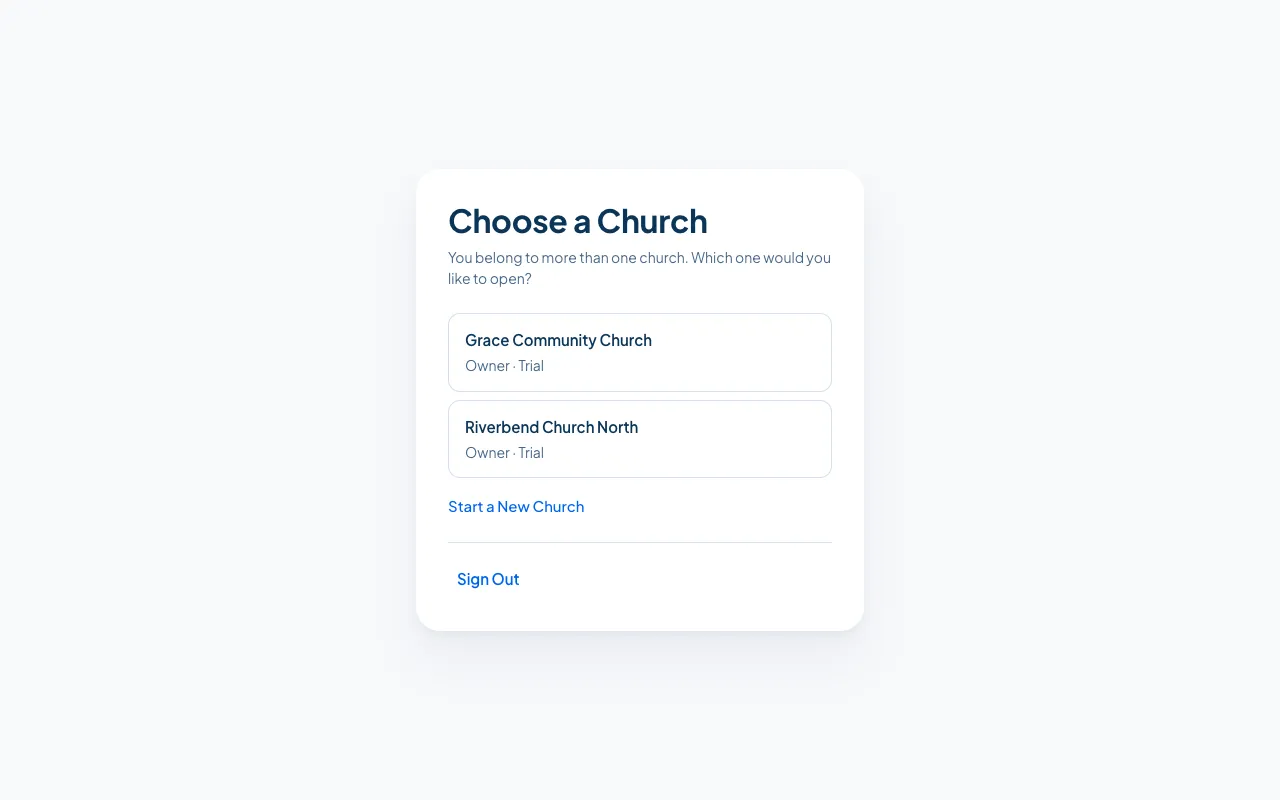
Choose the one you want. Church HQ asks again on your next sign-in, so you never end up working in the wrong church by accident.
Switching without signing out
Section titled “Switching without signing out”The Church picker at the top of the sidebar moves you between churches in one step. It shows your role in each.
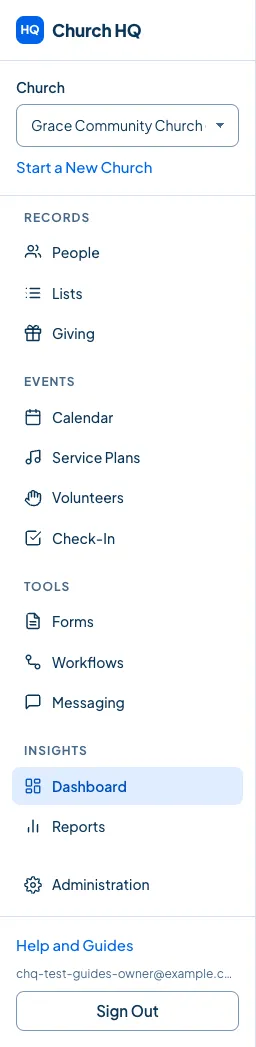
Pick a church and Church HQ reloads your screen in that church.
Good to know
Section titled “Good to know”- Your role can differ by church. You might be an Owner at one and a Member at another. What you see changes with it.
- Portal members land in the Member Portal, not the staff screens. See What You Can Do in the Member Portal.
- Start a New Church under the picker starts another church on its own free trial. See Start a New Church.
Still stuck? Contact the Help Desk at help@mychurchhq.com and tell us which guide you were following.