Calendar and Attendance
Record Attendance
Attendance in Church HQ is a count, not a roll call: how many were there, and how many of them were children. It takes a few seconds a week and gives you a year of history worth looking at.
-
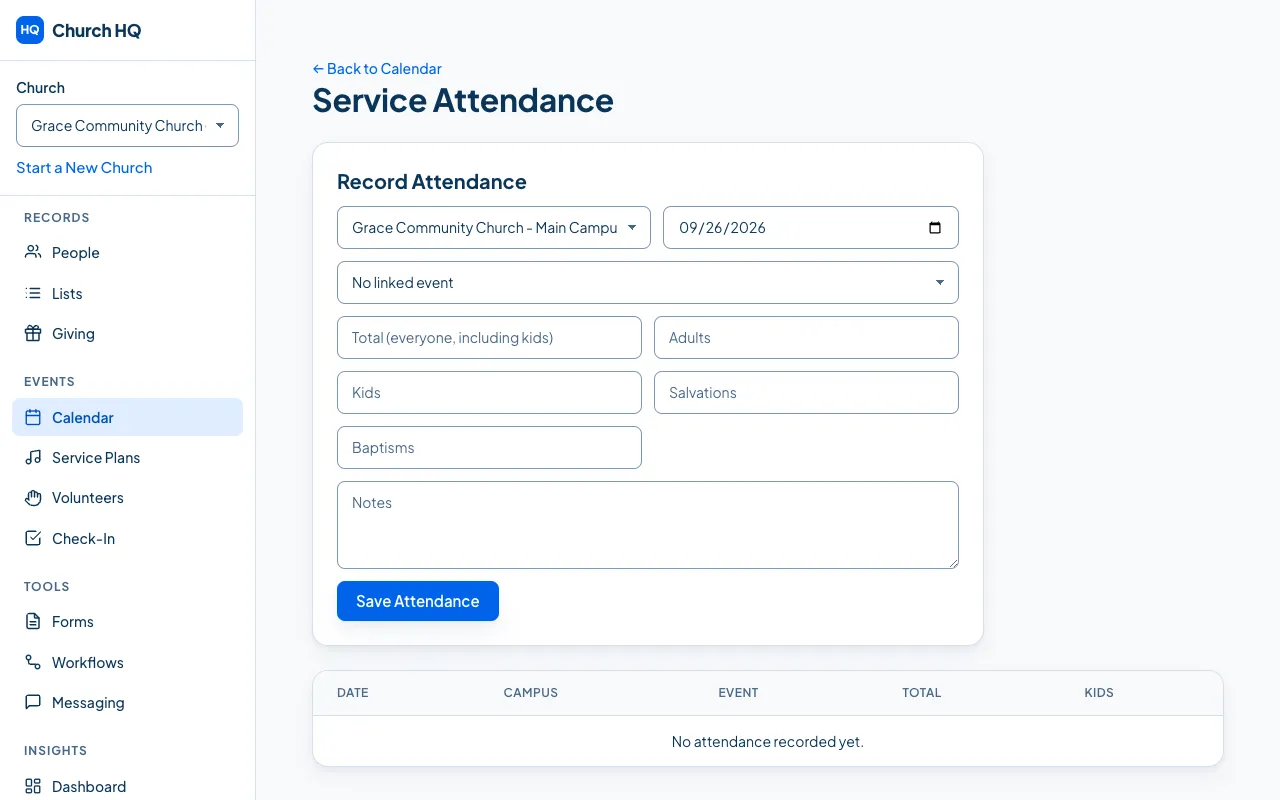
Choose Calendar in the sidebar, then Attendance at the top.
-
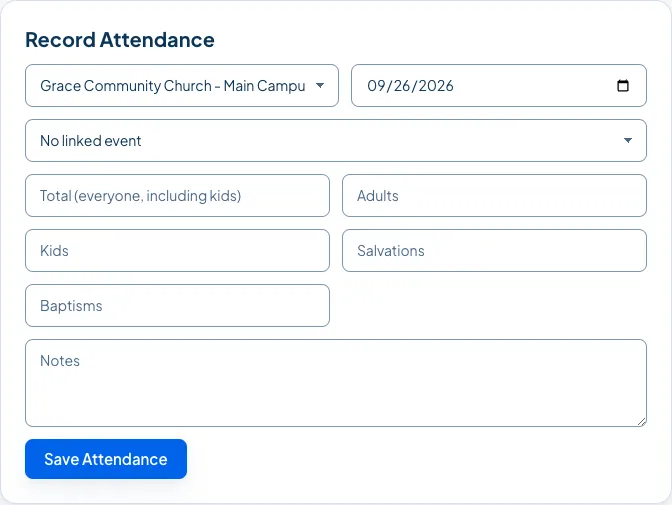
In Record Attendance, fill in:
- the Date
- the Campus
- the Event, if this count belongs to something on the calendar
- Total, everyone who was there, including children
- Adults and Kids, if you want the count broken down
-
Choose Save Attendance.
The count appears in the list, newest first.
The Total, and breaking it down
Section titled “The Total, and breaking it down”Recording only a Total is perfectly normal. It is the number your reports are built from, and the breakdown is there if you want it.
If you fill in Adults and Kids, Church HQ works the Total out for you. You can still change it afterwards, but the two parts have to add up to it, because the Total is everyone in the room, children included. If they do not add up, Church HQ says so before saving rather than storing a figure that contradicts itself:
Adults and kids add up to 320, but the total says 300. The total is everyone in the room, including kids, so change one of them before saving.
Filling in only one of the two is fine. If you record a Total and the number of Kids, Church HQ does not assume anything about the rest.
A week with no event on the calendar
Section titled “A week with no event on the calendar”You do not need an event. Leave the event empty and record the date, the campus and the numbers. A midweek gathering nobody put on the calendar still counts.
Good to know
Section titled “Good to know”- Kids Check-In counts separately. Children checked in on a Sunday are counted by check-in itself; the Kids number here is what your counters saw in the room. If you attach an event, Church HQ fills the Kids number in from check-in as a starting point, and you can change it.
- The past is open. Record last Sunday on Monday, or fill in a year of history after moving over from another system. The only date Church HQ refuses is one that has not happened yet.
- One count per date and campus. Saving the same date again updates the number rather than adding a second one.
- It feeds the Dashboard and reports: attendance by week or month, campus comparisons, and trends over time. See Run and Export a Report.
Still stuck? Contact the Help Desk at help@mychurchhq.com and tell us which guide you were following.