Plans and Billing
Upgrade or Downgrade Your Plan
The plans
Section titled “The plans”- Starter is everything a single-campus church needs: people and households, calendar and attendance, volunteers, Kids Check-In, giving and statements, and reports.
- Pro adds Forms, Lists, Messaging, Service Plans, Workflows, more than one campus, custom fields, and the reports that compare periods.
- Enterprise adds webhooks, API keys, custom integrations and priority support, and is priced per church by Level Up.
The plans also differ in how much your church can store:
| Plan | Storage |
|---|---|
| Starter | 5 GB |
| Pro | 25 GB |
| Enterprise | Agreed with us when your church is set up |
See See and Manage Your Storage for what counts towards it.
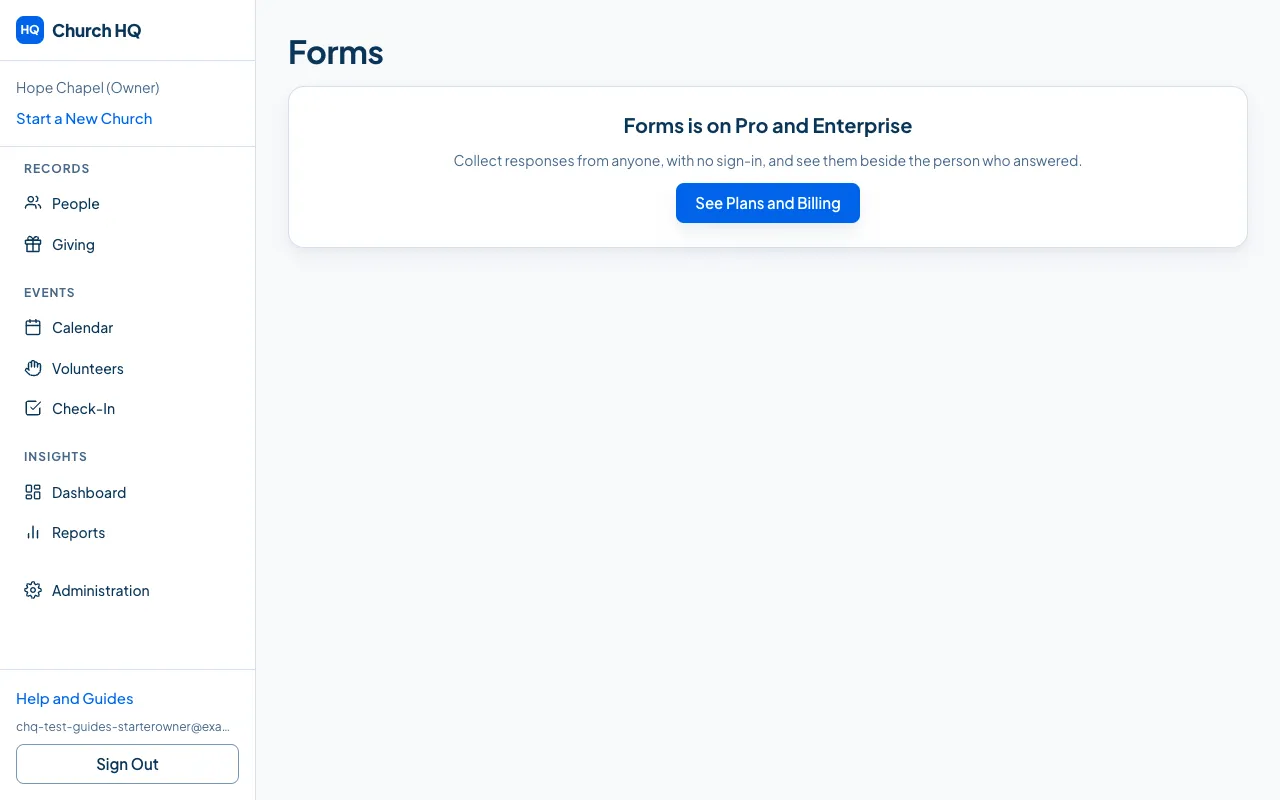
A Starter church sees the Pro areas explained rather than hidden, with a button to see the plans.
- In the sidebar, choose Administration, then Plans and Billing.
- Choose the plan you want.
- Confirm.
An upgrade takes effect immediately. A downgrade takes effect at the end of the period you have already paid for, so you keep what you paid for.
What a downgrade locks
Section titled “What a downgrade locks”Going from Pro to Starter does not delete anything. Your forms, lists, workflows, service plans and extra campuses are still there, and they stop being usable until you upgrade again. Church HQ calls this Downgrade Lock, and it exists so nobody loses a year of work by changing plan for a month.
Enterprise
Section titled “Enterprise”Enterprise pricing is set per church. Email the Help Desk at help@mychurchhq.com and we will talk it through. Moving to Enterprise from a trial ends the trial and charges the agreed price at once.
Good to know
Section titled “Good to know”- Coupons go in on the same screen, under Coupon Code.
- Your card is charged the new amount from the next period, and Stripe emails a receipt.
Still stuck? Contact the Help Desk at help@mychurchhq.com and tell us which guide you were following.