Privacy
Handle a Privacy Request
People have the right to ask what your church holds about them, and to ask for it to be removed. Church HQ keeps a record of those requests and what you did about them, which is what makes the answer defensible later.
-
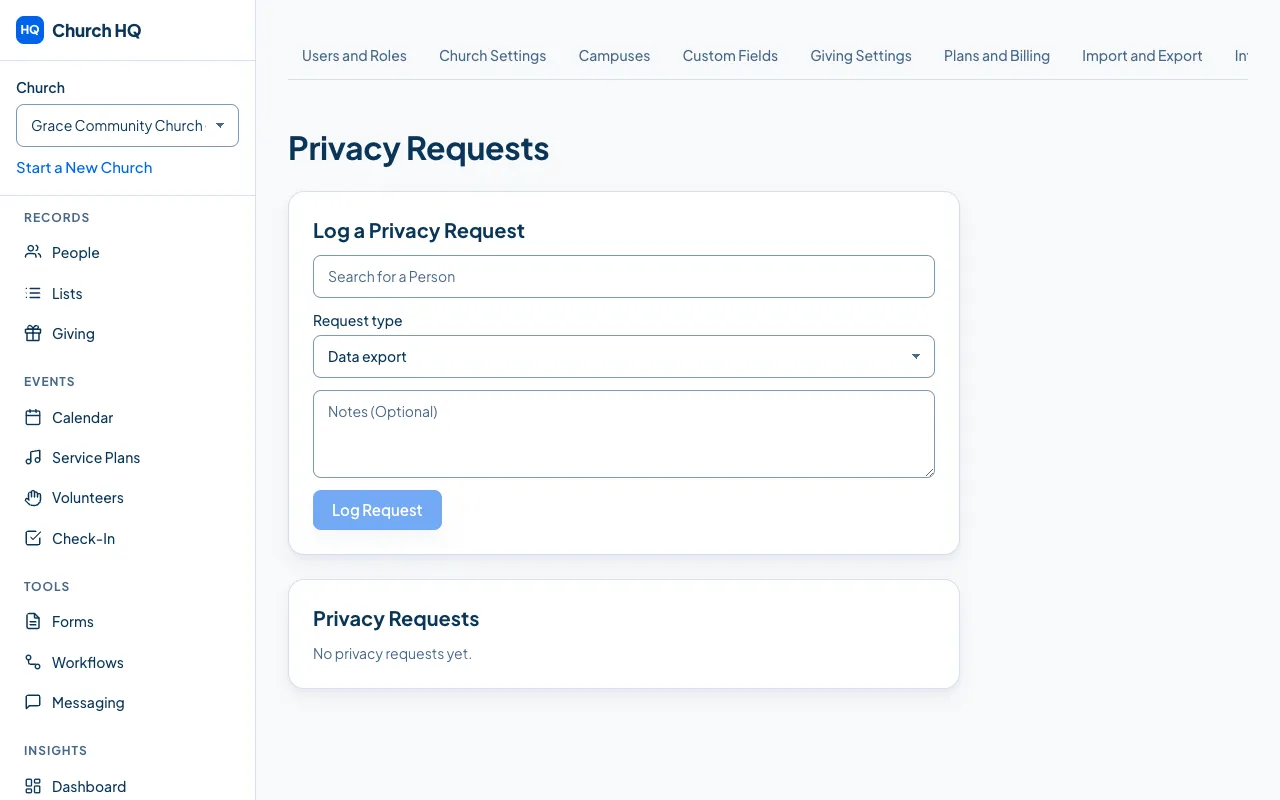
In the sidebar, choose Administration, then the Privacy Requests tab.
-
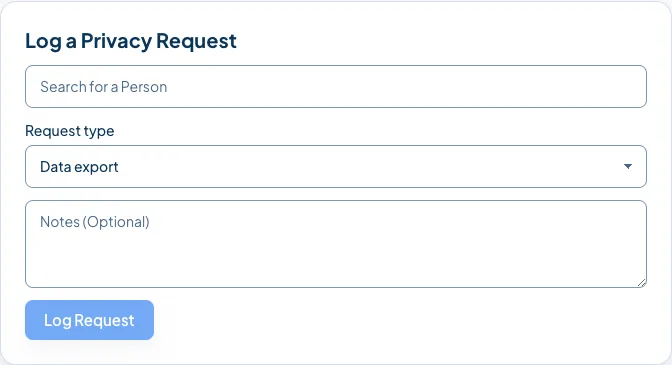
In Log a Privacy Request, choose the Request type:
- Data export: they want a copy of what you hold.
- Anonymization: they want their name taken off what stays, such as historical giving totals.
- Deletion: they want their record removed.
-
Name the person the request is about, and choose Log Request.
-
Work through it, and mark it fulfilled when it is done. A data export produces a file you can send them.
Good to know
Section titled “Good to know”- Some records must stay. Giving records have their own legal retention, so a deletion request usually means anonymizing the person rather than erasing the money.
- Every request and every action is in the audit log, with who did it and when.
- Only Owners and Administrators can log or fulfil a request.
- If you are unsure what the law requires of your church, ask someone who knows your situation. Church HQ keeps the record; it does not give legal advice.
Still stuck? Contact the Help Desk at help@mychurchhq.com and tell us which guide you were following.