Church Settings
Review the Audit Log
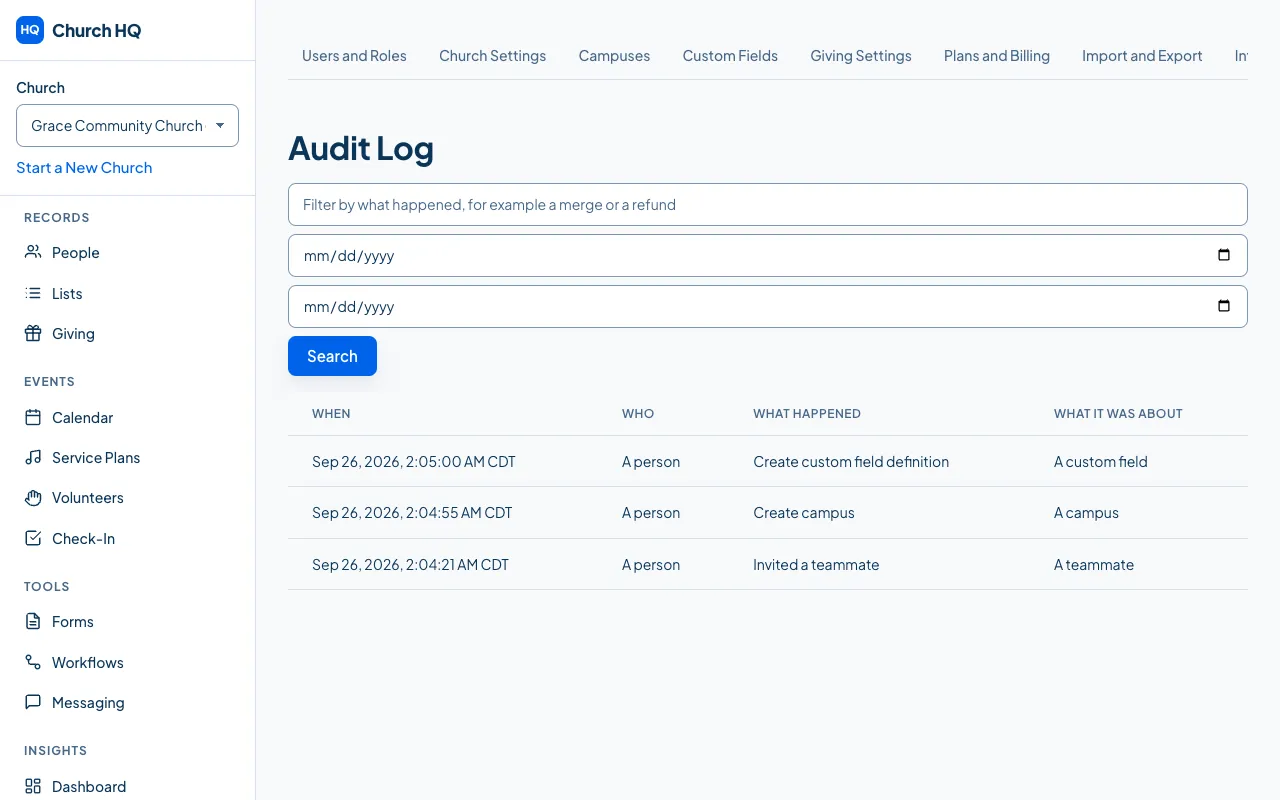
The audit log records the changes that matter: who was invited or removed, who changed a role or gave someone access to giving, merges, refunds, imports, exports, integrations and privacy requests.
You will use it when somebody asks “who changed this?” and nobody remembers.
- In the sidebar, choose Administration, then the Audit Log tab.
- Read the list. Each line shows what happened, who did it, and when.
Good to know
Section titled “Good to know”- It cannot be edited or cleared, by anyone at your church. That is the point of it.
- Protected values are not shown. A line says a children’s record changed; it does not repeat what the record says.
- Level Up’s support team keeps its own record of every time we look at your church’s activity, for the same reason.
Still stuck? Contact the Help Desk at help@mychurchhq.com and tell us which guide you were following.