Getting Started
Sign In with Your Two-Step Code
Once you have set up two-step sign-in, every sign-in has one extra step.
-
Sign in with your email and password, or with Google or Facebook.
-
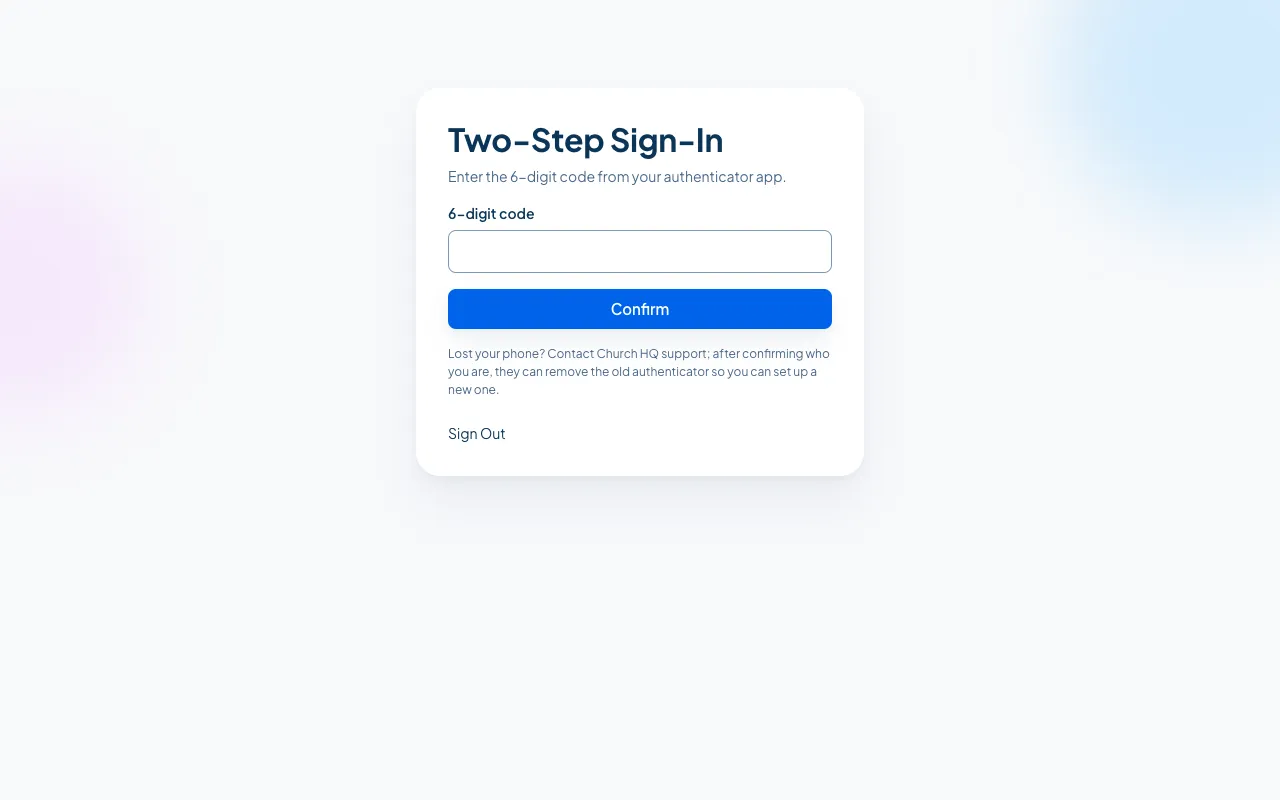
Church HQ shows Two-Step Sign-In and asks for the code from your authenticator app.
-
Open your authenticator app, read the current 6 digit code for Church HQ, type it, and choose Confirm.
You are in. If you belong to more than one church, you pick one next.
Good to know
Section titled “Good to know”- The code changes every 30 seconds. If it is about to change, wait for the next one.
- Sign Out on this screen takes you back to the start if you signed in as the wrong person.
- Church HQ asks for a code on each new sign-in, not on every page.
Still stuck? Contact the Help Desk at help@mychurchhq.com and tell us which guide you were following.