Service Plans
Build a Service Plan
A service plan is the running order for one service: the welcome, the songs, the reading, the sermon, the sending. It belongs to an event on your calendar, so everyone is looking at the same Sunday.
Before you start
Section titled “Before you start”The service is on the calendar. See Add an Event.
-
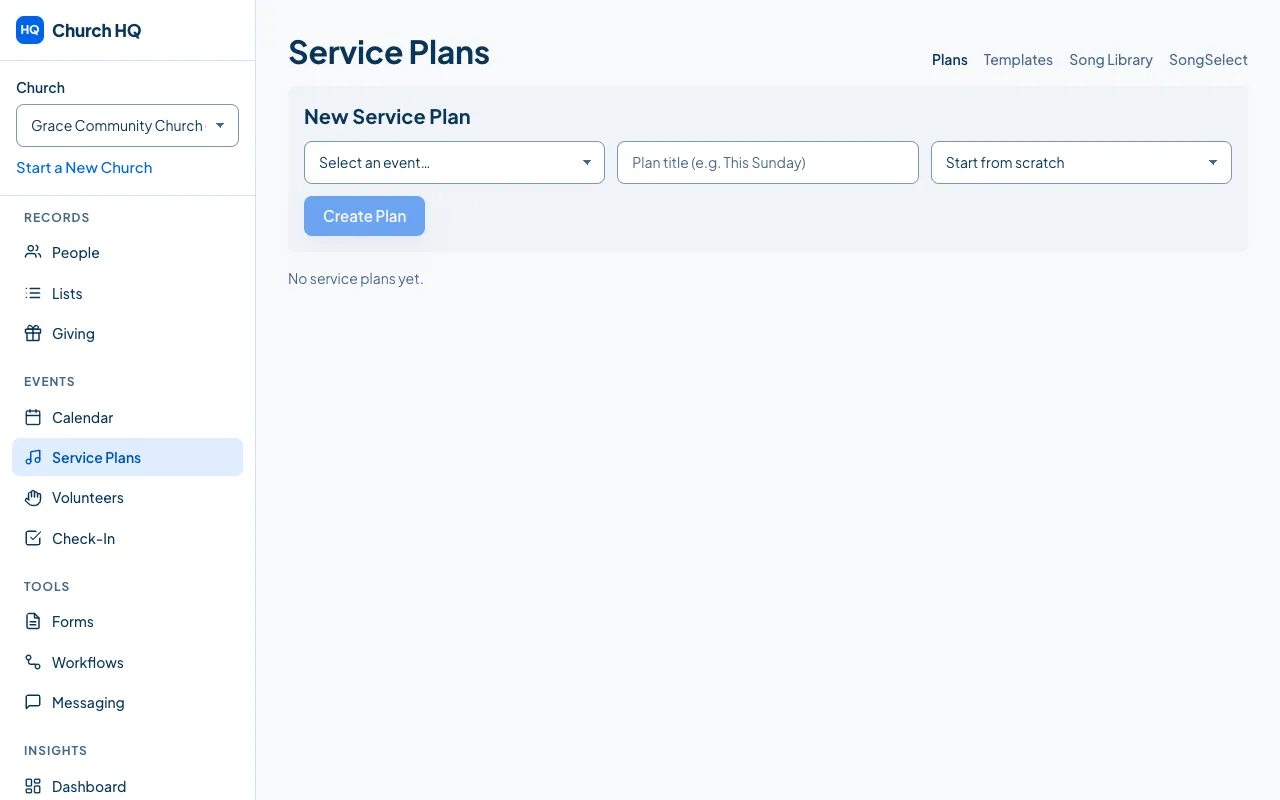
Choose Service Plans in the sidebar, under EVENTS.
-
In New Service Plan, choose the Event, give the plan a Plan Title such as
Sunday Morning, and either start from scratch or choose a template.
-
Choose Create Plan, then open the plan to fill it in.
-
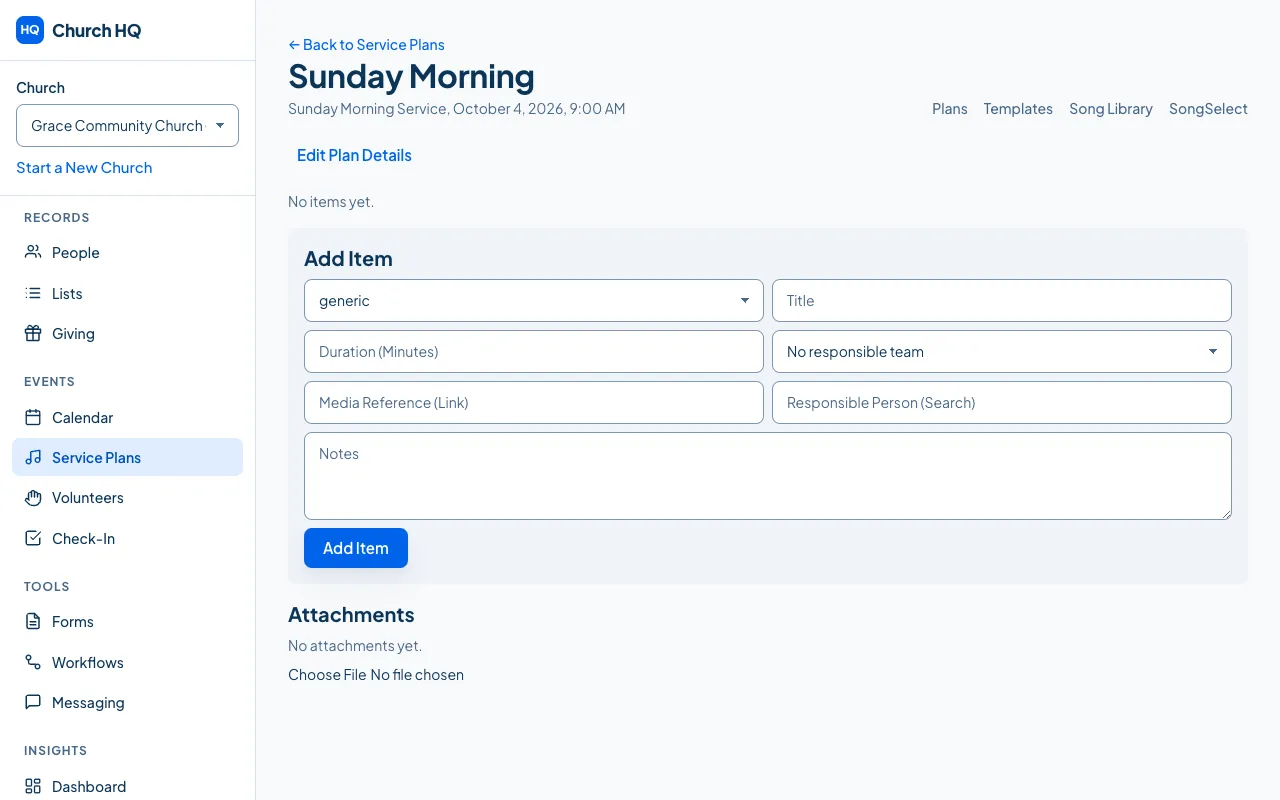
Add each item in order, with who is doing it and how long it runs. Songs come from your song library.
Good to know
Section titled “Good to know”- The order is the plan. Move items up and down until the service reads the way it will run.
- Everyone sees the same plan, so the musicians, the tech team and the preacher are not working from three different documents.
- Removing an item asks first, because a plan is usually being edited by someone else at the same time.
- Service Plans is part of Pro. See Upgrade or Downgrade Your Plan.
Still stuck? Contact the Help Desk at help@mychurchhq.com and tell us which guide you were following.