Member Portal
Respond to a Schedule Request
When your church schedules you, you get an email. You can answer from the email in one click, or here, where you can see everything at once.
-
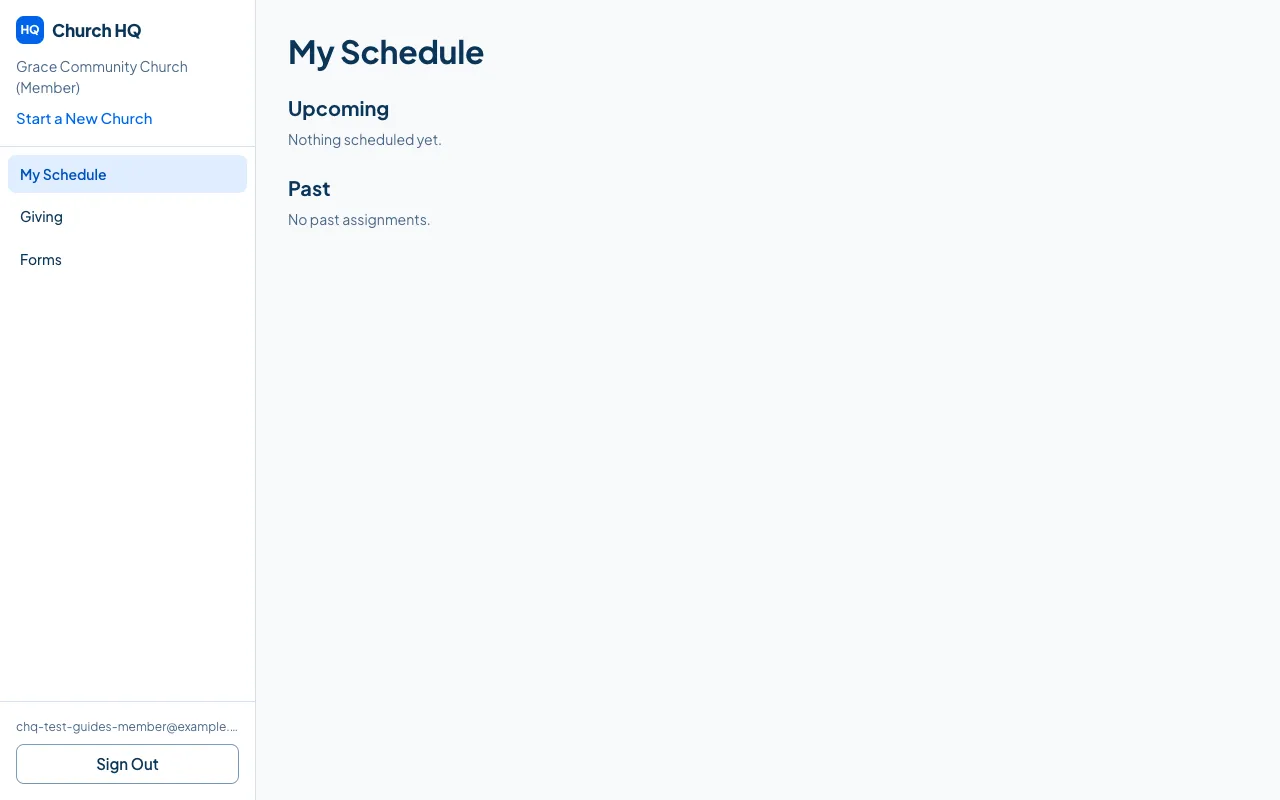
Sign in and choose My Schedule.
-
Upcoming lists what is ahead, with what you are doing and when.
-
Choose Accept or Decline on each one.
Your church sees your answer straight away, and the gap on their rota closes.
Past keeps what you have served at before.
Good to know
Section titled “Good to know”- Answer early if you can. A decline two weeks out is easy for your church; a decline on Saturday night is not.
- The email link does the same thing without signing in. See Accept or Decline from the Email.
- Changed your mind? Change your answer here, and tell whoever schedules you if it is close.
Still stuck? Contact the Help Desk at help@mychurchhq.com and tell us which guide you were following.