Messaging
Save and Reuse a Message Template
A template is a message you keep: the volunteer reminder, the welcome to a first-time guest, the giving statement announcement.
-
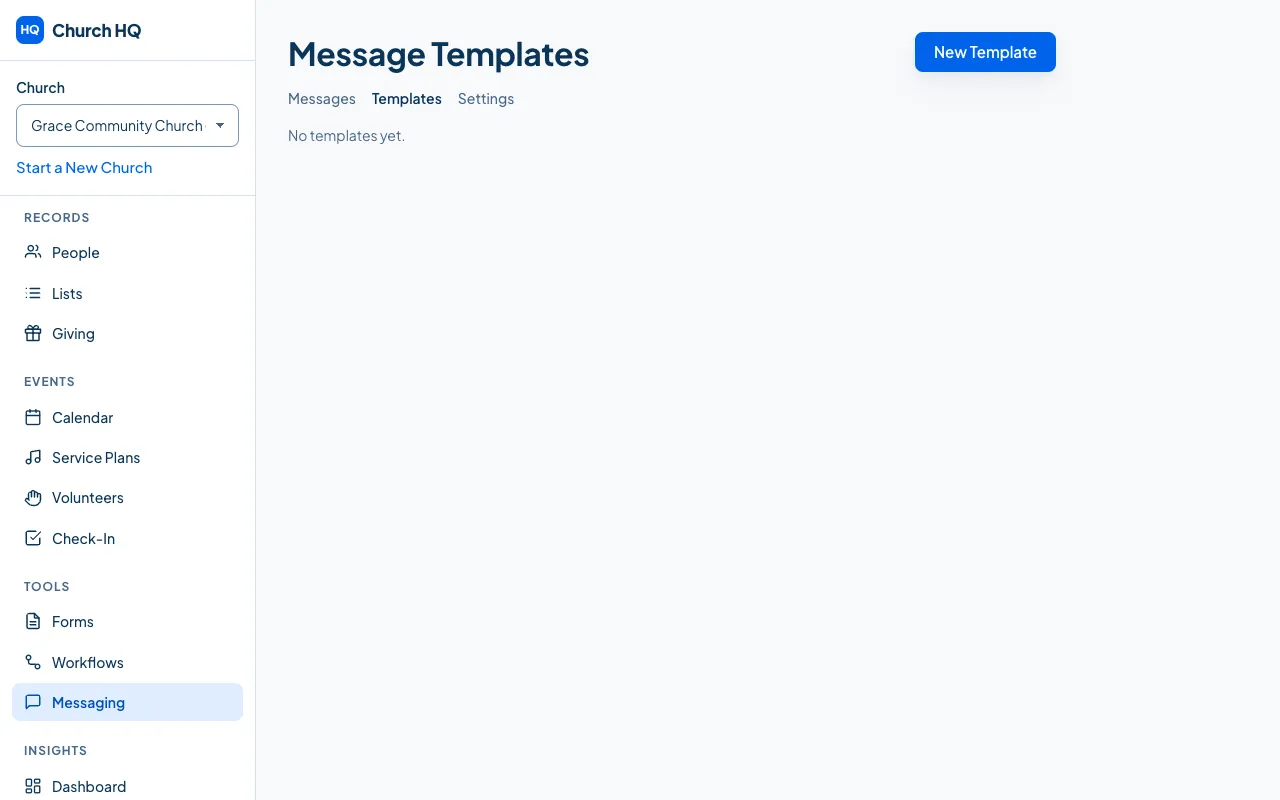
Choose Messaging in the sidebar, then Templates.
-
Choose New Template, give it a name, choose whether it is email or SMS, and write it.
-
Save it.
When you write a message, choose the template and it fills in the subject and body, which you can then change for this one send.
Good to know
Section titled “Good to know”- Merge fields work in templates, so one template greets everyone by name.
- Workflows use templates too, which is how follow-up gets sent without anyone remembering. See Create a Workflow.
- Archiving a template asks you to confirm and leaves messages already sent alone.
Still stuck? Contact the Help Desk at help@mychurchhq.com and tell us which guide you were following.