Church Settings
Add or Change Your Church's EIN
Your EIN is your church’s 9 digit federal tax number. Donors expect to see it on a giving statement, and it appears on your public giving page.
It is optional. Church HQ works without it, but giving statements read better with it.
- In the sidebar, choose Administration, then the Church Settings tab.
- In EIN (Tax ID), type the number. Nine digits, with or without the hyphen, for example
12-3456789. - Choose Save EIN.
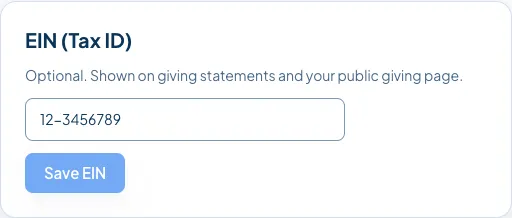
To remove it, clear the field and choose Save EIN again.
Good to know
Section titled “Good to know”- It appears on giving statements produced from then on. See Create Giving Statements.
- It appears on your public giving page, under your church’s name.
- It can also be entered at signup, which is why yours may already be filled in.
Still stuck? Contact the Help Desk at help@mychurchhq.com and tell us which guide you were following.